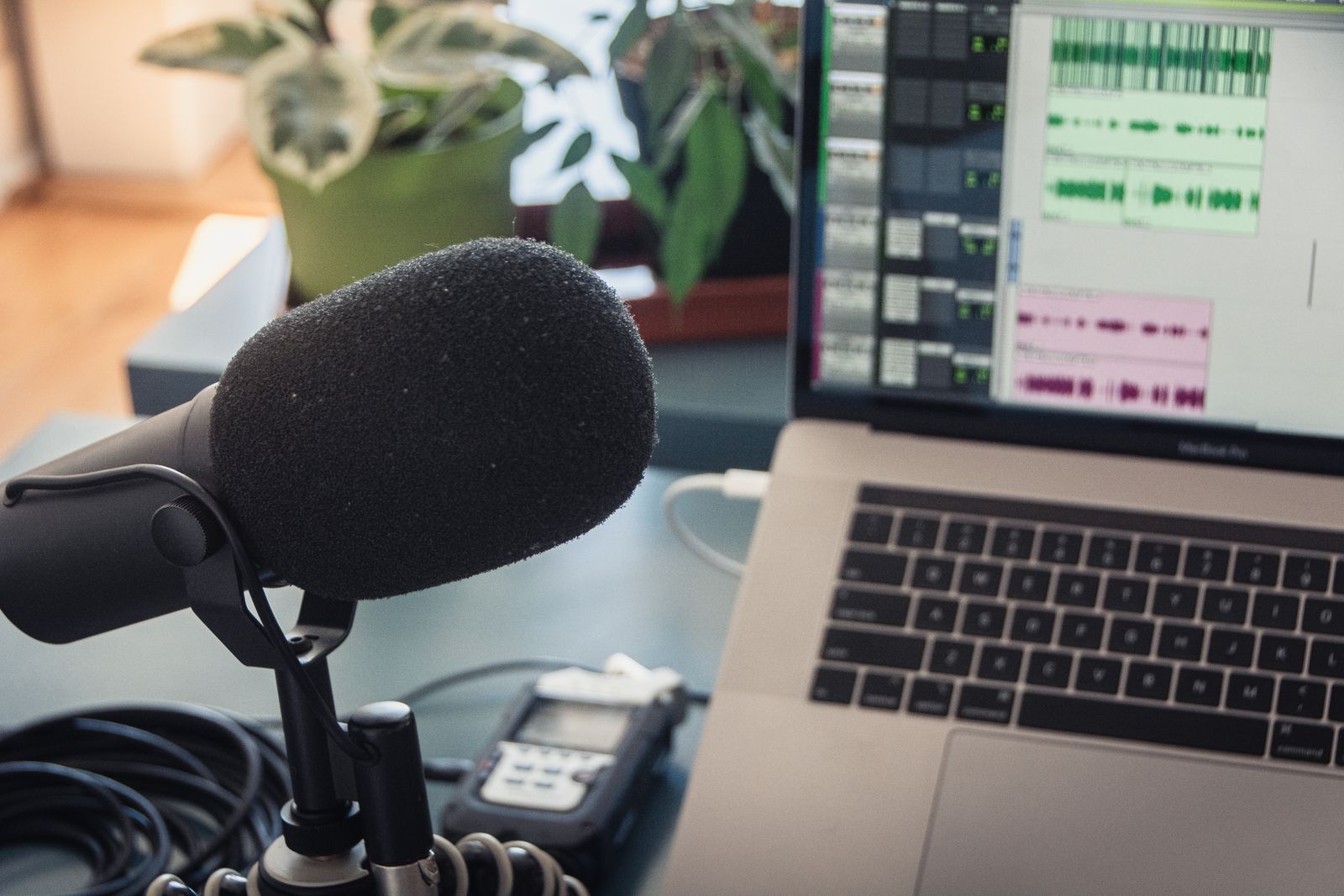
Podcast editing used to mean a waveform timeline, a lot of manual scrubbing for "um"s and dead air, and separate tools for noise reduction and leveling. AI has collapsed most of that into fewer steps — some tools now let you edit by editing a transcript, others clean up bad recording conditions almost automatically, and a few solve the recording problem itself rather than the editing problem.
This guide splits the category by where in the podcast production process each tool actually helps, since "podcast editing tool" covers recording, cleanup, and editing as three fairly distinct jobs.
In this article
- Quick Comparison
- Solving the recording problem: Riverside.fm
- Editing by editing text: Descript
- All-in-one for solo and small teams: Podcastle
- Automated cleanup and mastering: Auphonic, Adobe Podcast Enhance
- Preventing noise before it's even recorded: Krisp
- What actually matters when choosing
- Frequently Asked Questions
- Do I need expensive microphones if I'm using these AI tools?
- Can I edit a podcast entirely on my phone with these tools?
- How much editing time do these tools actually save compared to manual editing?
- Is Krisp's live noise removal noticeable to listeners?
- Can I combine several of these tools in one workflow?
- Final Verdict
Quick Comparison
| Tool | Stage | Best for | Standout feature | Free tier |
|---|---|---|---|---|
| Riverside.fm | Recording | Remote interviews | Local high-quality recording per participant | Limited free hours |
| Descript | Editing | Cutting filler and dead air | Edit audio by editing the transcript | Limited free minutes |
| Podcastle | Recording + editing | All-in-one for solo/small teams | Combined recording studio and editor | Limited free minutes |
| Auphonic | Cleanup | Automated leveling and mastering | One-click loudness/noise processing | Limited free minutes |
| Krisp | Recording | Real-time noise removal | Removes background noise live, during the call | Limited free minutes |
Solving the recording problem: Riverside.fm
A huge share of podcast audio problems trace back to how the episode was recorded, not how it was edited — video-call software compresses and drops audio quality in ways that no amount of post-processing fully fixes. Riverside.fm solves this directly by recording each participant's audio and video locally on their own device at full quality, then uploading afterward, rather than relying on the live call's compressed stream. For remote interview-format podcasts specifically, this alone solves more quality problems than any editing tool downstream can.
Editing by editing text: Descript
Descript remains the standout for the actual editing step — transcribing the recording and letting you cut filler words, false starts, and dead air by deleting them from a text document rather than scrubbing a waveform by ear. For interview or conversation-format podcasts, where most editing time goes into removing "um"s and awkward pauses rather than creative sound design, this is a genuinely faster workflow than a traditional timeline editor.
- Its "Studio Sound" feature also handles some automatic audio cleanup, reducing (though not eliminating) the need for a separate mastering step
- Multi-speaker podcasts benefit especially, since Descript can attribute transcript text to different speakers automatically
All-in-one for solo and small teams: Podcastle
Podcastle combines recording and editing in one tool, aimed at creators who don't want to manage separate apps for each stage. It's a reasonable middle ground for solo podcasters or small teams who'd rather have one adequate tool for the whole process than the best possible tool at each individual stage.
The honest tradeoff with all-in-one tools like Podcastle: convenience over specialization. A dedicated recording tool plus a dedicated editing tool will usually outperform an all-in-one at each individual step — the question is whether that gap is worth managing two tools instead of one.
Automated cleanup and mastering: Auphonic, Adobe Podcast Enhance
Auphonic is built specifically around the mastering/leveling step — normalizing loudness across speakers and episodes, reducing background noise, and applying consistent audio processing automatically. If your recordings sound uneven between guests (one much louder or quieter than the other) or between episodes, this is the more targeted fix than trying to solve it manually in a general editor.
Adobe Podcast Enhance solves a narrower but very common problem — recordings made in an untreated room (echo, background noise, poor mic quality) that need to sound like they were recorded in a proper studio. It's less a full editing tool and more a single-purpose fix for bad-room audio, genuinely useful as a first pass on a rough recording before it goes into any other tool on this list.
Preventing noise before it's even recorded: Krisp
Krisp works differently from every other tool here — instead of cleaning up audio after the fact, it removes background noise and echo in real time, during the actual recording or call. For anyone recording in an environment they don't fully control (a shared space, a home office near street noise), this prevents the problem rather than fixing it in post, which is generally the better outcome when it's available.
What actually matters when choosing
- Fix the recording stage first if it's remote/interview-based. No editing or cleanup tool fully recovers audio that was compressed at the recording stage — Riverside.fm or Krisp solve that upstream.
- Match the editing tool to your actual editing time sink. If most of your time goes into cutting filler words, Descript's transcript workflow saves real time; if it's mostly leveling and noise, Auphonic or Adobe Podcast Enhance matter more.
- You'll likely use more than one of these together, not just one. A realistic stack might be Riverside.fm for recording, Descript for editing, and Auphonic for final mastering — these tools are complementary more often than they're direct competitors.
Frequently Asked Questions
Do I need expensive microphones if I'm using these AI tools?
A decent USB microphone still matters — these tools improve and clean up audio, but they can't fully compensate for a genuinely poor microphone. Adobe Podcast Enhance and Auphonic will help more with room noise and leveling than with fundamentally low mic quality.
Can I edit a podcast entirely on my phone with these tools?
Some, like Podcastle, offer mobile-friendly workflows, but the more powerful editing tools (Descript especially) are generally built and best used on desktop, where a fuller editing interface makes sense.
How much editing time do these tools actually save compared to manual editing?
Significantly for interview/conversation-format podcasts — Descript's transcript-based cutting alone commonly cuts editing time substantially compared to manual timeline scrubbing, though heavily produced, sound-design-driven podcasts still benefit from more traditional tools for that layer.
Is Krisp's live noise removal noticeable to listeners?
Generally no — the goal is that it works invisibly, removing background noise without listeners noticing any processing artifact, which is different from more aggressive noise-reduction that can make voices sound processed or robotic.
Can I combine several of these tools in one workflow?
Yes, and it's common — recording in Riverside.fm, editing in Descript, and running final mastering through Auphonic is a realistic and complementary stack rather than an either/or choice.
Final Verdict
If your podcast is remote-interview format, start by fixing the recording stage with Riverside.fm, since no downstream tool fully recovers compressed call audio. For the actual editing step, Descript's transcript-based workflow is the biggest time-saver for conversation-format content. If you want one tool covering recording and editing together, Podcastle is a reasonable all-in-one option. For final polish, Auphonic handles leveling and mastering while Adobe Podcast Enhance fixes bad-room audio, and Krisp prevents noise problems live rather than fixing them after the fact. Browse more in Audio & Music tools.