AIPick
Category

Video Editing AI Tools

5 tools · ranked by community votes and reviews

How this ranking works

Rank is based on a combination of real, ongoing signals from the AIPick community — not a paid placement or a one-time snapshot.

  • Upvote ratio — the share of votes that are positive, not just the raw vote count.
  • Review rating — the average star rating left by users who've actually reviewed the tool.
  • Review volume — more reviews give a rating more weight, so a 5.0 from one review won't outrank a 4.7 from hundreds.
  • Recent activity — tools that keep getting votes and reviews are favored over ones that went quiet.
  • Verification — tools claimed and verified by their owners get a small trust boost, shown with a ✓ badge.

Rankings update automatically every few hours as new votes and reviews come in, and can change at any time — nobody can pay to move up this list.

1CapCut02Kapwing03Wondershare Filmora04Clipchamp05Canva Magic Studio0
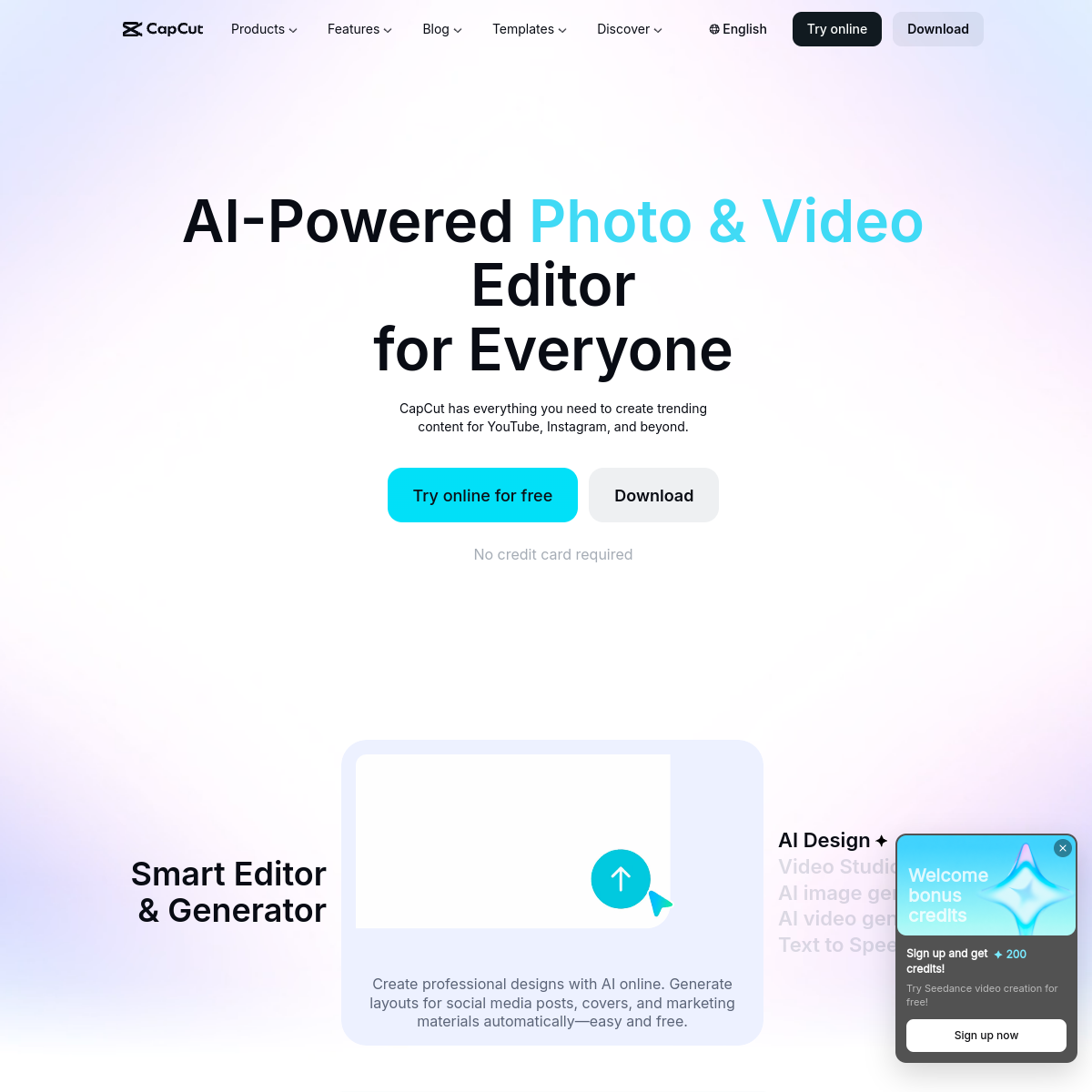
capcut.com
Screenshot of CapCut

Widely used AI video editor with auto-captions, templates, and one-click effects.

CapCut is a free video editing app (desktop, mobile, and web) with AI-powered features like automatic captions, background removal, text-to-speech, and trending templates, popular with short-form content creators.

  • Automatic captions and subtitles
  • AI background removal
  • Huge template library
  • Cross-platform (desktop, mobile, web)
Freemium · Free with most features; CapCut Pro subscription unlocks premium effects and assets.0 net votes
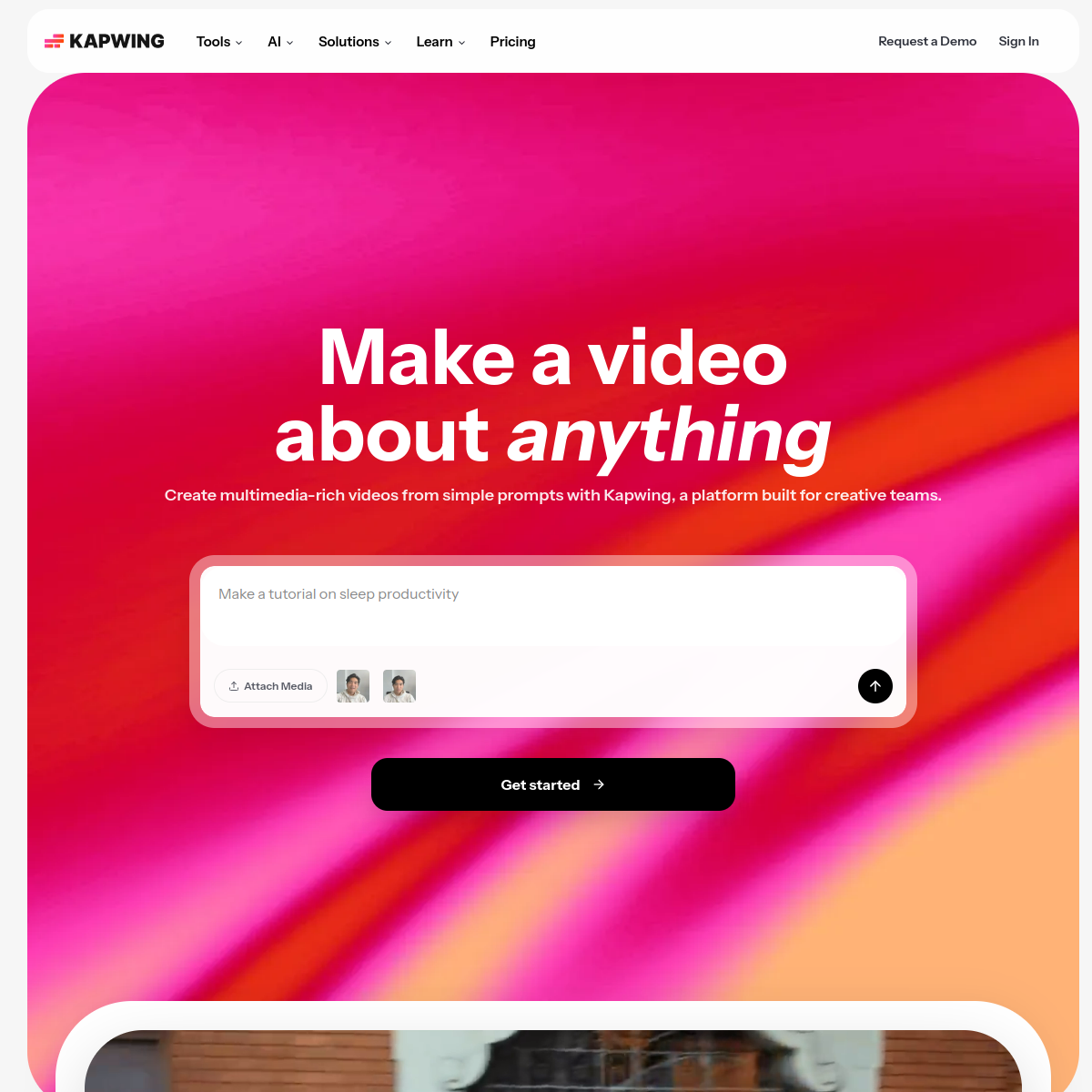
kapwing.com
Screenshot of Kapwing

Browser-based video editor with a large set of AI editing tools.

Kapwing is an online video editor with AI features like auto-subtitling, filler-word removal, background removal, and a "smart cut" tool that trims silence, aimed at making basic video editing accessible without desktop software.

  • Auto-generated subtitles and captions
  • Removes filler words and silences automatically
  • AI background removal for video, not just images
  • Collaborative, browser-based editing (no software install)
Freemium · Freemium — paid plans from around $24/mo0 net votes
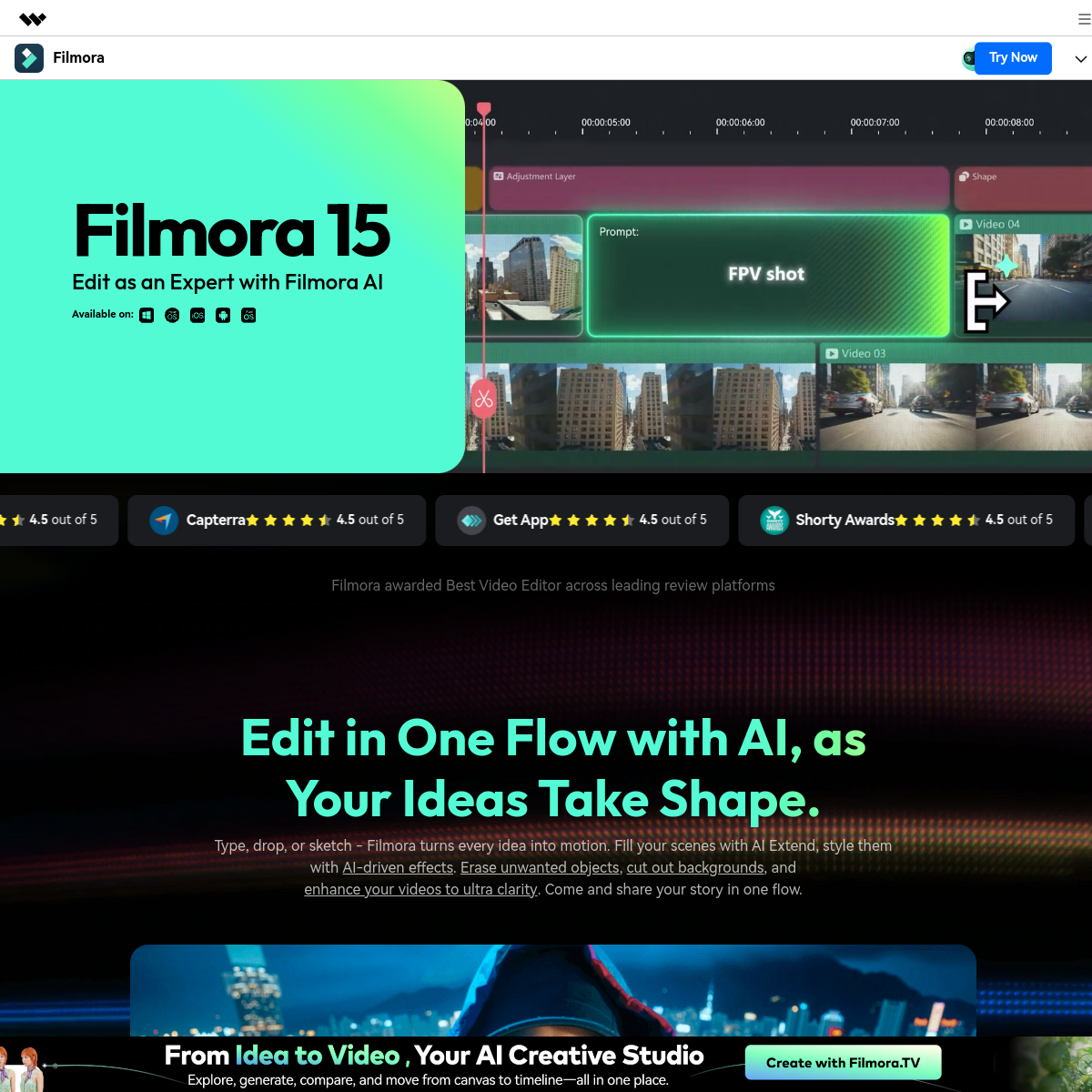
filmora.wondershare.com
Screenshot of Wondershare Filmora

Video editing software with AI background removal, subtitles, and voiceovers.

Wondershare Filmora is video editing software with AI features including smart cutout (background removal), automatic subtitle generation, AI text-to-speech voiceovers, and motion tracking. An AI Copilot offers step-by-step editing guidance, alongside AI noise removal and automatic color correction.

  • AI background removal (smart cutout)
  • Automatic subtitle generation
  • AI text-to-speech voiceovers
  • AI Copilot editing guidance
Freemium · Free version with watermark; paid subscription or perpetual license removes watermark and unlocks full features.0 net votes
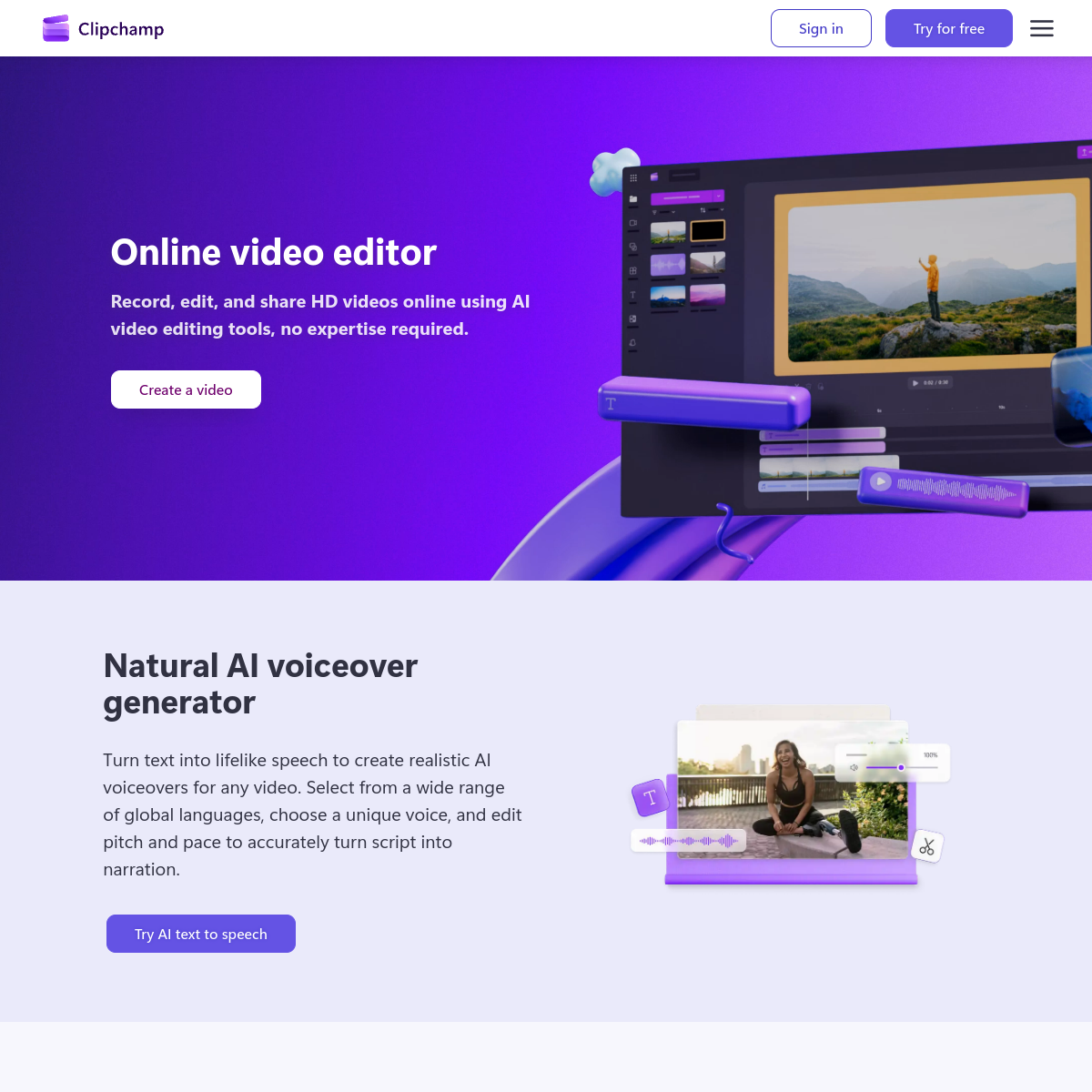
clipchamp.com
Screenshot of Clipchamp

Microsoft's built-in video editor with AI tools like text-to-speech and background removal.

Clipchamp is Microsoft's video editing app (built into Windows) offering a simple timeline editor plus AI features like text-to-speech narration, filler-word removal, and background removal, aimed at everyday users.

  • Built into Windows by default
  • AI text-to-speech narration
  • Filler-word removal
  • Simple drag-and-drop timeline
Freemium · Free tier built into Windows; Premium plan (bundled with Microsoft 365) unlocks more stock assets and AI features.0 net votes
canva.com
Screenshot of Canva Magic Studio

AI-powered design suite inside Canva for images, video, and text.

Magic Studio is the umbrella name for Canva's AI features (image and text generation, background removal, Magic Write, video editing tools) built into the regular Canva design editor. It's aimed at non-designers who want AI-assisted results without leaving Canva's drag-and-drop workflow.

  • Built into the same editor as Canva's templates — no separate app to learn
  • Free plan includes a capped number of AI (Magic Studio) uses per month
  • Canva Pro (~$15/mo) raises the monthly AI-use allowance and unlocks the full design toolkit
  • Includes Magic Write (text), Magic Media (image/video generation), and Magic Eraser (object removal)
  • Teams plan (~$30/user/mo) adds shared brand kits and approval workflows
Freemium · Free; Pro ~$15/mo; Teams ~$30/user/mo0 net votes