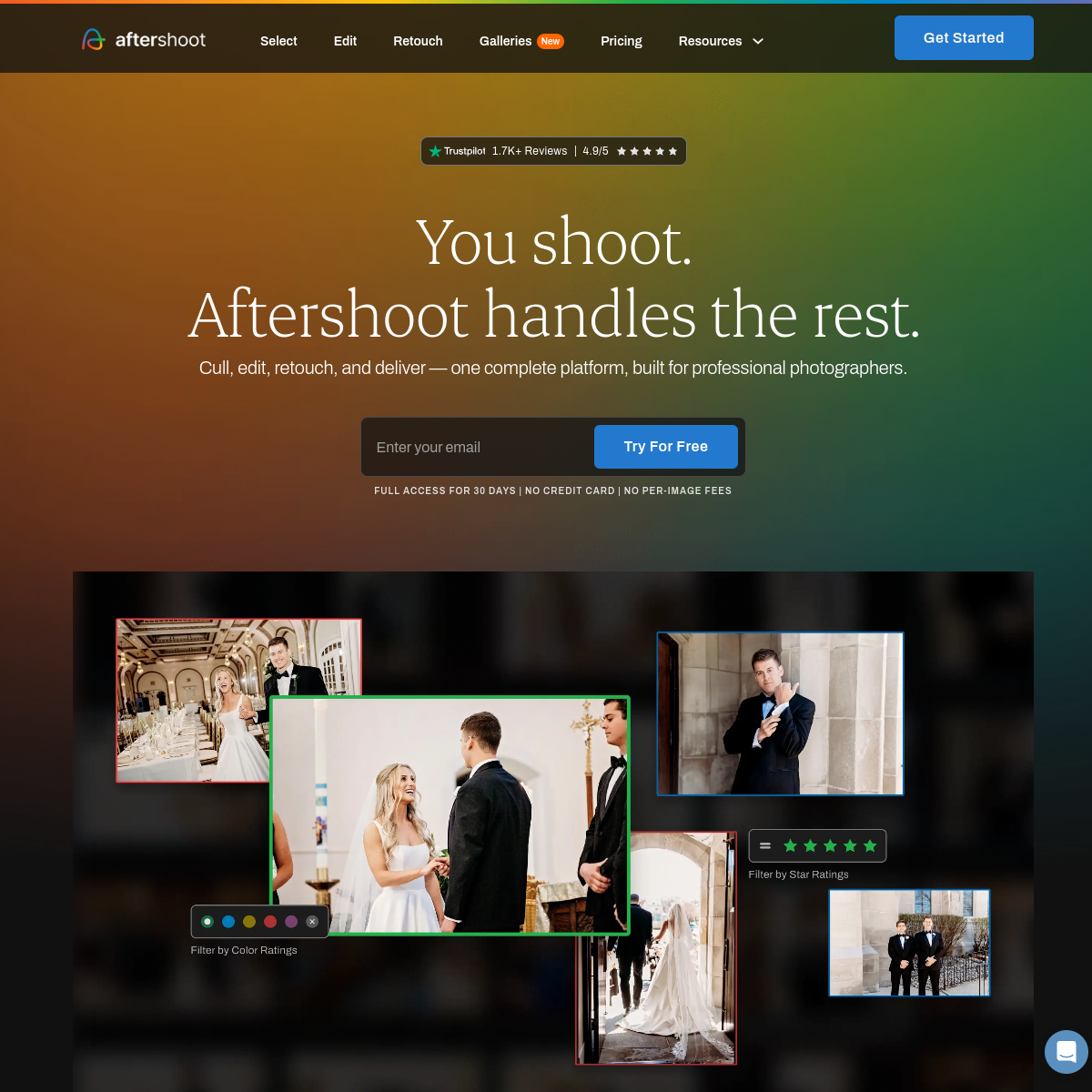
What is Aftershoot?
Aftershoot analyzes a large batch of photos from a shoot to automatically flag the sharpest, best-composed shots and cull out duplicates or blinks, then applies AI-assisted color edits matched to a photographer's own style.
Key features
- Automatically culls thousands of photos down to the best shots
- Flags blurry, duplicate, or eyes-closed images for removal
- AI-assisted editing that learns a photographer's own style
- Built specifically for wedding and event photography workflows
Pricing
PaidPaid plans from around $12/mo
Verify on the official pricing page →Aftershoot use cases
- 1Cull thousands of wedding photos down to a shortlist in minutes
- 2Automatically flag blurry or duplicate shots for removal
- 3Apply a consistent editing style across an entire shoot
- 4Speed up post-production turnaround for client delivery
Who is Aftershoot for?
Reviews
Be the first to review Aftershoot.
Discussion
Questions, tips and real-world experience with Aftershoot. To rate it, leave a review above.
Alternatives to Aftershoot
Stable Diffusion
Open-source AI image generator you can self-host, fine-tune, and run without a subscription.
Ideogram
AI image generator best known for the most accurate embedded text and typography of any major model.
Napkin AI
Turns written content into editable diagrams, infographics, charts, and presentation visuals.
DALL-E
OpenAI's text-to-image generation model, integrated into ChatGPT.