Beautiful.ai
AI-assisted slide design tool with "Smart Slides" that auto-adjust layout as you add content.
What is Beautiful.ai?
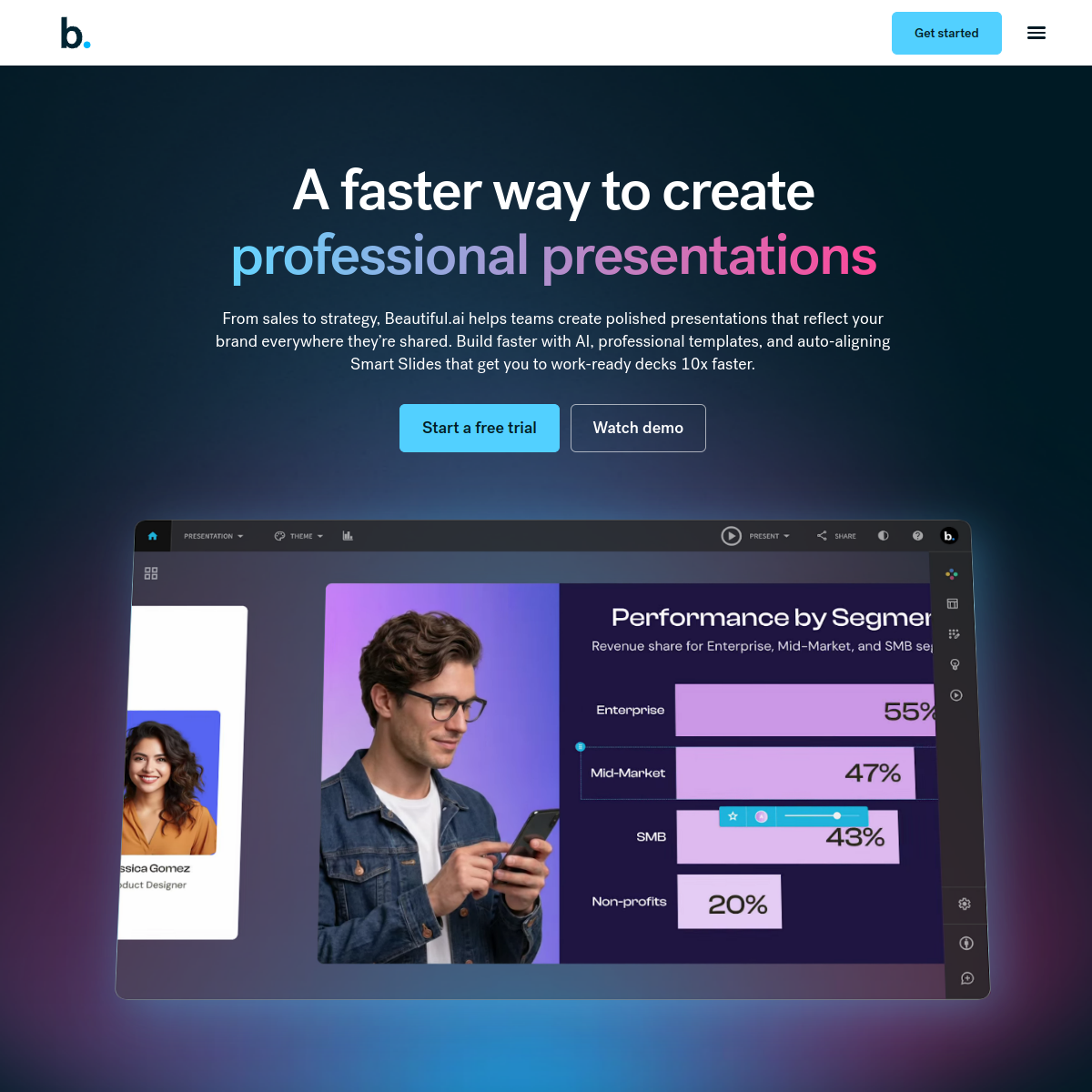
Beautiful.ai builds presentations around Smart Slide templates that automatically rebalance spacing, sizing, and alignment as content is added or removed, so slides stay visually consistent without manual formatting. DesignerBot generates a first draft deck from a prompt, including on-brand imagery and live data charts. Unlike some competitors it has no permanent free plan — access starts with a 14-day trial that requires a credit card.
Key features
- Smart Slide templates auto-adjust layout as content changes
- DesignerBot generates a draft deck — outline, images, and charts — from a prompt
- Live, editable data charts embedded directly in slides
- Brand-locked templates and team slide libraries on higher tiers
- No permanent free plan — 14-day trial requires a credit card
- Team and Enterprise tiers add SSO and advanced admin controls
Pricing
PaidNo free plan (14-day trial); Pro from ~$12/mo (annual); Team ~$40-50/user/mo; Enterprise custom
Verify on the official pricing page →Beautiful.ai use cases
- 1Auto-design professional slide decks from raw content
- 2Apply consistent branding and layout across a presentation
- 3Generate presentation outlines from a topic or document
- 4Save time on slide formatting for pitches and reports
Who is Beautiful.ai for?
Reviews
Be the first to review Beautiful.ai.
Discussion
Questions, tips and real-world experience with Beautiful.ai. To rate it, leave a review above.
Alternatives to Beautiful.ai
Napkin AI
Turns written content into editable diagrams, infographics, charts, and presentation visuals.
Slidebean
AI-assisted pitch deck creation tool built specifically for startup fundraising.
Lucidchart
Cloud-based diagramming tool with AI-generated flowcharts from text prompts.
Looka
AI logo maker and brand-kit generator — answer a few questions and get logo concepts plus matching brand assets.