NVIDIA Broadcast
AI-powered webcam and microphone effects app for streaming and video calls.
What is NVIDIA Broadcast?
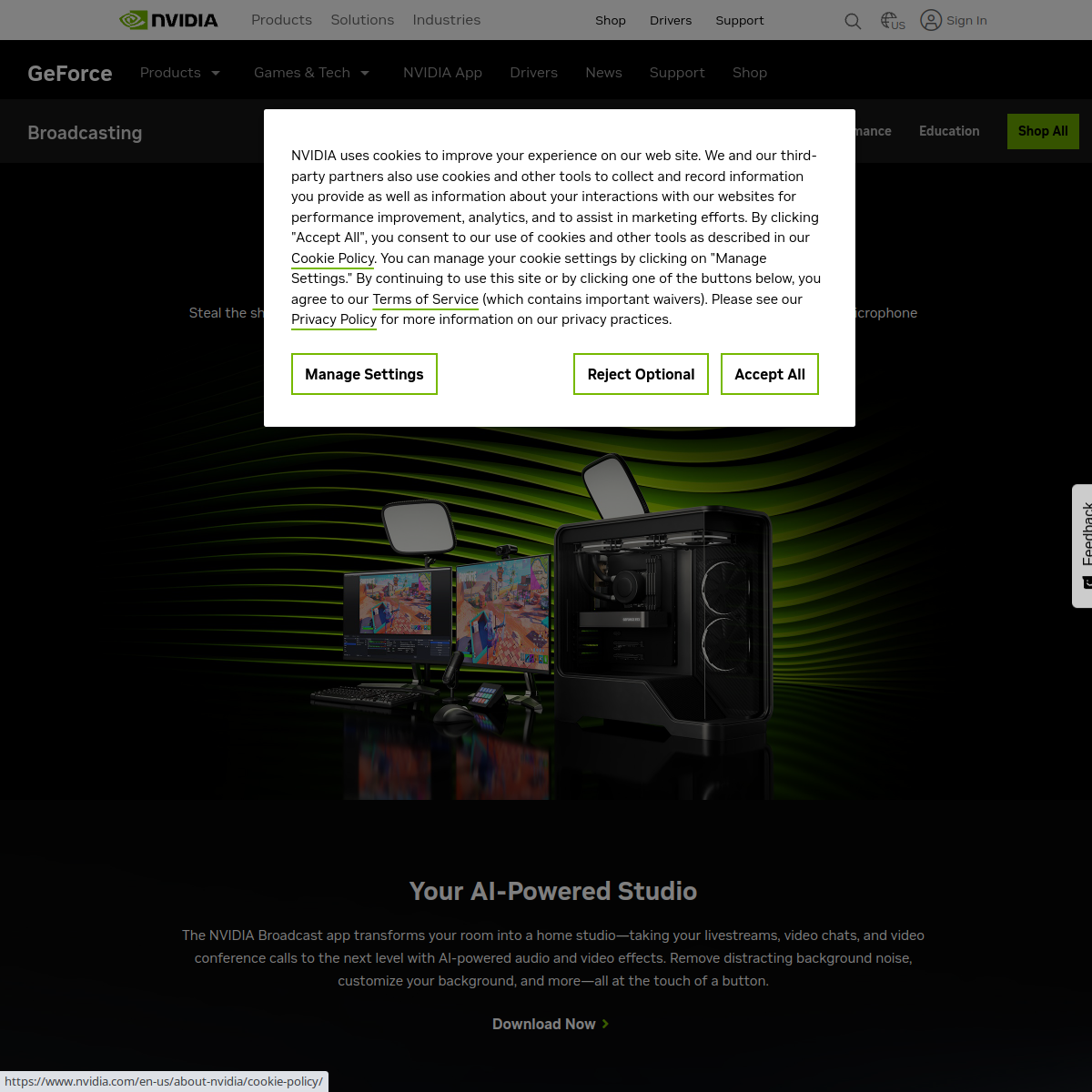
NVIDIA Broadcast applies AI effects in real time to a webcam and microphone feed — removing background noise, blurring or replacing a background, and simulating eye contact — for anyone with a compatible NVIDIA graphics card.
Key features
- Real-time AI background removal and replacement
- Noise removal for microphone audio
- Eye contact simulation that corrects gaze direction
- Auto-framing that keeps a speaker centered in frame
Pricing
FreeFree for owners of a compatible NVIDIA GPU
Verify on the official pricing page →NVIDIA Broadcast use cases
- 1Remove background noise from a microphone during a call
- 2Replace a webcam background without a physical green screen
- 3Correct gaze so it looks like you're looking at the camera
- 4Keep a speaker automatically framed during a video call
Who is NVIDIA Broadcast for?
Reviews
Be the first to review NVIDIA Broadcast.
Discussion
Questions, tips and real-world experience with NVIDIA Broadcast. To rate it, leave a review above.
Alternatives to NVIDIA Broadcast
ElevenLabs
AI voice generator for realistic text-to-speech, voice cloning, and dubbing.
Murf AI
AI voiceover and text-to-speech generator with 120+ voices in 20+ languages.
Udio
AI music generator focused on higher-fidelity, produced-sounding tracks with stem downloads and remixing.
Castmagic
AI tool that turns a podcast or video recording into show notes and clips.