Pictory
Turns scripts, articles, or slides into edited videos automatically, with AI voiceovers and auto-captions.
What is Pictory?
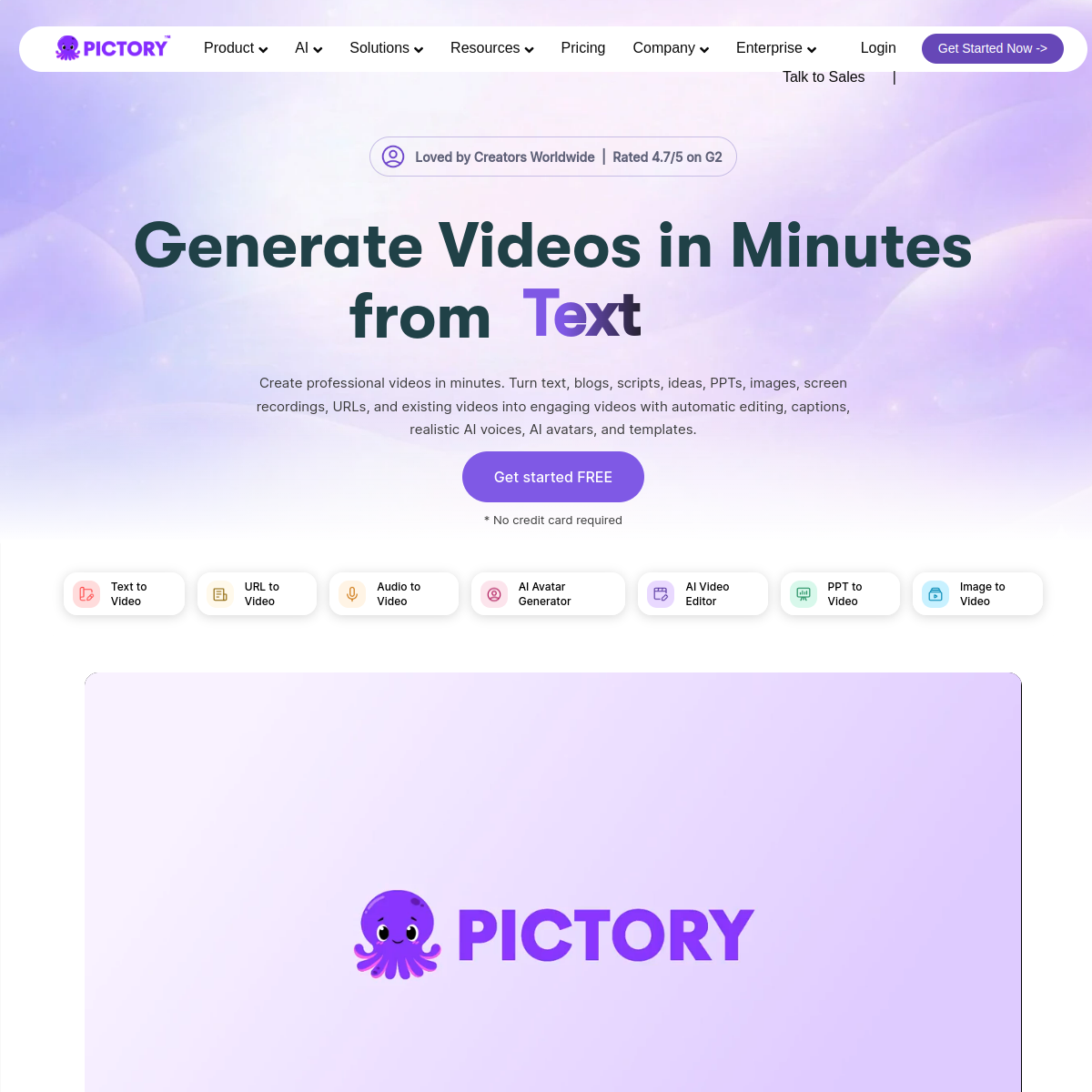
Pictory converts text — a blog post, script, or PowerPoint deck — into a produced video by auto-selecting matching stock footage, adding AI voiceovers, and generating captions. It can also turn a long recording like a webinar or podcast into short highlight clips for social media, and includes a screen recorder that automatically trims silences and filler words. Plans are metered by monthly video minutes rather than a flat seat price.
Key features
- Script, article, URL, or PowerPoint-to-video conversion
- AI voiceovers (including ElevenLabs voices on higher tiers) in 20+ languages
- Automatic highlight-clip extraction from long recordings
- Auto-captioning with customizable fonts and styling
- Screen recorder that auto-trims silences and filler words
- No permanent free plan — 14-day trial to test the platform
Pricing
PaidNo free plan (14-day trial); Standard ~$19-23/mo (annual); Professional ~$39-47/mo; Teams ~$99/mo+
Verify on the official pricing page →Pictory use cases
- 1Turn blog posts or articles into short videos automatically
- 2Add AI voiceover, captions, and stock visuals to video content
- 3Repurpose written content into social-ready video clips
- 4Produce explainer or listicle-style videos at scale
Who is Pictory for?
Reviews
Be the first to review Pictory.
Discussion
Questions, tips and real-world experience with Pictory. To rate it, leave a review above.
Alternatives to Pictory
Pika
AI video generator known for fast, stylized clips and built-in creative effects.
HeyGen
AI avatar video generator for creators and businesses, with video translation.
Synthesia
AI avatar video platform for presenter-style training and marketing videos.
InVideo AI
AI video generator that turns a text prompt into a full edited video.