AIPick
Ranking

Top Design & Presentations AI Tools

AI tools for design, branding, and building slide decks or presentations.

Ranked by community votes and reviews · updated every few hours

How this ranking works

Rank is based on a combination of real, ongoing signals from the AIPick community — not a paid placement or a one-time snapshot.

  • Upvote ratio — the share of votes that are positive, not just the raw vote count.
  • Review rating — the average star rating left by users who've actually reviewed the tool.
  • Review volume — more reviews give a rating more weight, so a 5.0 from one review won't outrank a 4.7 from hundreds.
  • Recent activity — tools that keep getting votes and reviews are favored over ones that went quiet.
  • Verification — tools claimed and verified by their owners get a small trust boost, shown with a ✓ badge.

Rankings update automatically every few hours as new votes and reviews come in, and can change at any time — nobody can pay to move up this list.

1Napkin AI12Framer AI03Beautiful.ai04Gamma05Looka06Canva Magic Studio07Uizard08Decktopus09Miro010Spline011Presentations.ai012Whimsical013Figma014Wonderslide015Veras AI016Kittl017Storydoc018Simplified019Pitch020Qwilr0
napkin.ai
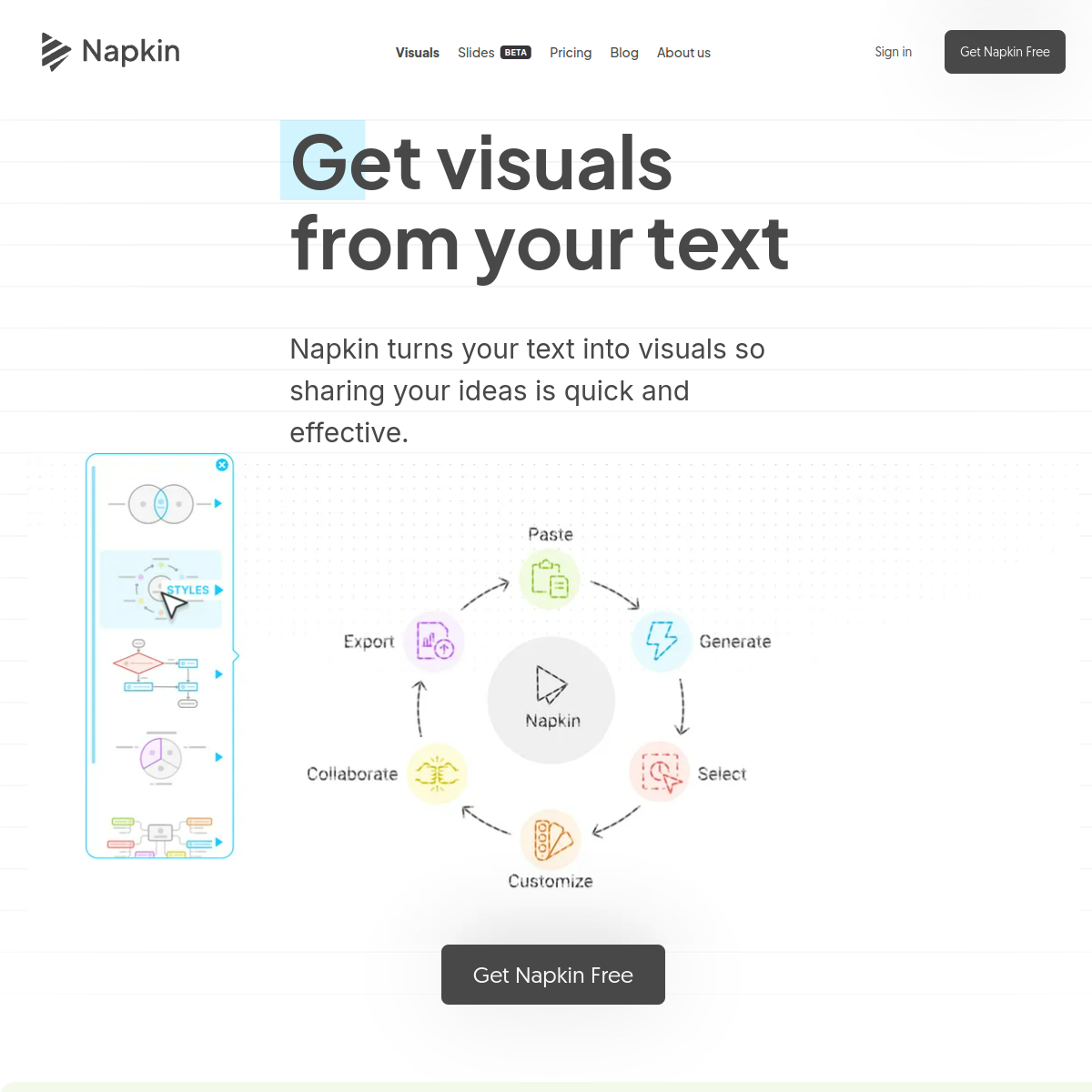
Screenshot of Napkin AI

Turns written content into editable diagrams, infographics, charts, and presentation visuals.

Napkin AI generates relevant visuals directly from pasted or imported text. Users can edit individual elements and export finished work for documents and presentations.

  • Text-to-visual generation
  • Editable diagram elements
  • PPT and document imports
  • PNG, PDF, SVG, and PPT exports
Freemium · Free plan available; Plus and Pro add credits, branding controls, and advanced exports.5.0 (1 reviews)1 net votes
framer.com
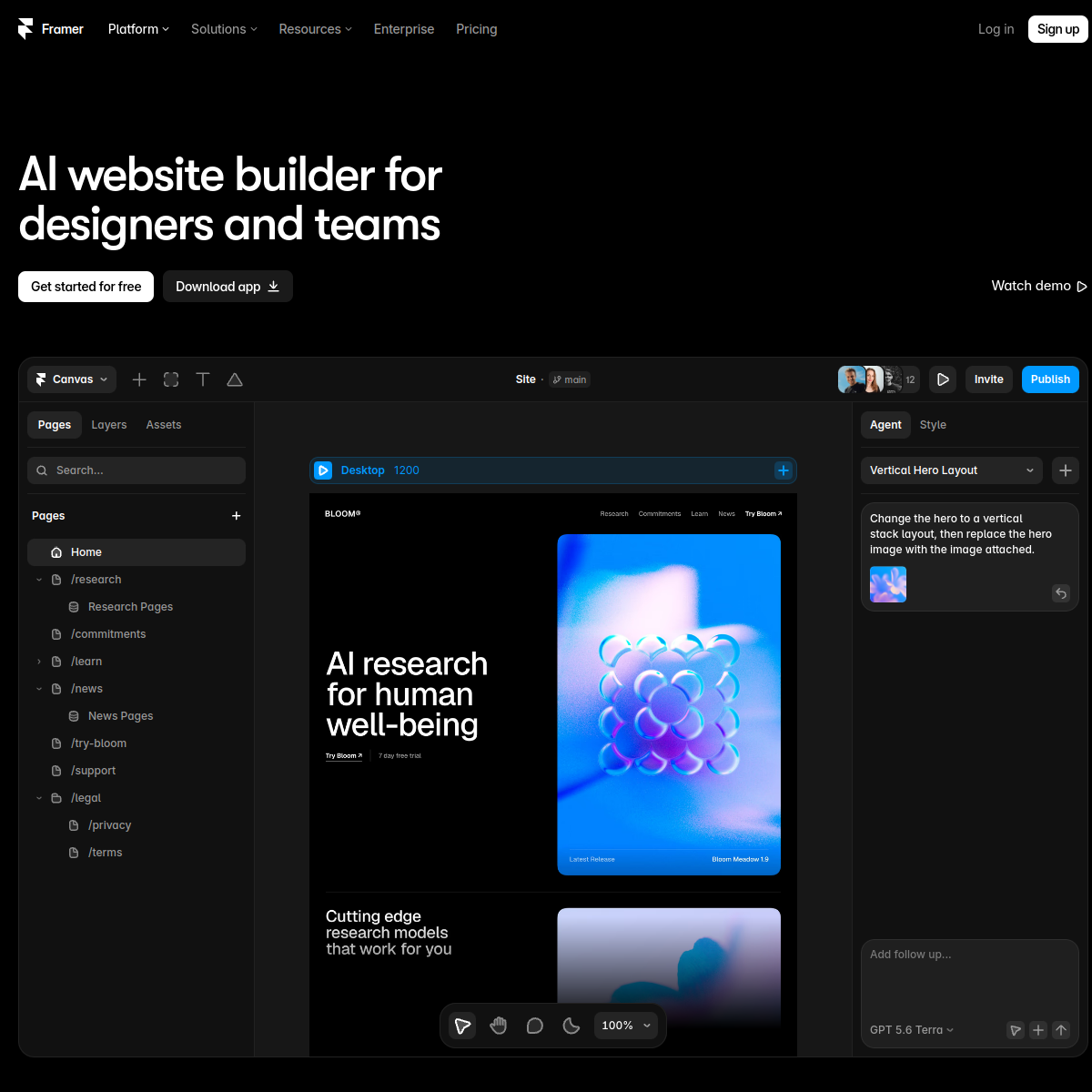
Screenshot of Framer AI

Design-first no-code website builder with AI layout generation and a visual editor built for designers.

Framer combines a visual, designer-grade editor with AI tools — Wireframer turns a prompt into an editable page layout, Workshop generates custom on-brand components, and AI Translate localizes a whole site with one click. Unlike prompt-only site builders, Framer keeps a Figma-like level of visual control over every element, making it popular with designers and marketing teams that want a polished, animated site without hand-coding. Pricing is metered by pages, CMS collections, and traffic rather than by AI usage.

  • Wireframer: AI layout generation from a text prompt, fully editable after
  • Workshop: AI-generated custom components matching the site's design
  • One-click AI Translate for multilingual sites
  • Figma-like visual editor with fine-grained design control
  • Free plan for prototyping on a Framer subdomain
  • Pricing scales with pages, CMS collections, and traffic, not AI prompts
Freemium · Free (subdomain, limited pages); Basic ~$10/mo (annual); Pro ~$30/mo; Scale ~$100/mo+; Enterprise custom0 net votes
beautiful.ai
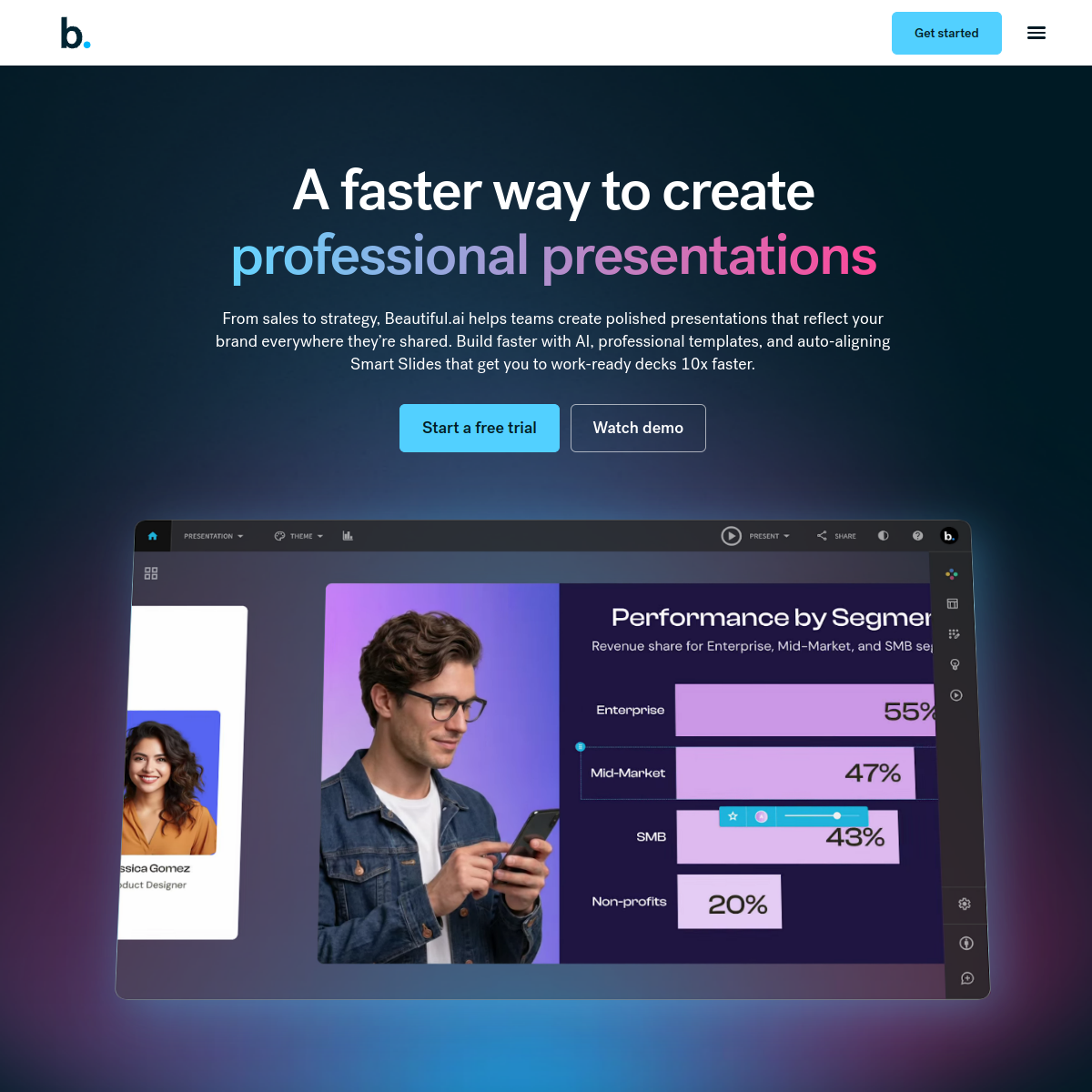
Screenshot of Beautiful.ai

AI-assisted slide design tool with "Smart Slides" that auto-adjust layout as you add content.

Beautiful.ai builds presentations around Smart Slide templates that automatically rebalance spacing, sizing, and alignment as content is added or removed, so slides stay visually consistent without manual formatting. DesignerBot generates a first draft deck from a prompt, including on-brand imagery and live data charts. Unlike some competitors it has no permanent free plan — access starts with a 14-day trial that requires a credit card.

  • Smart Slide templates auto-adjust layout as content changes
  • DesignerBot generates a draft deck — outline, images, and charts — from a prompt
  • Live, editable data charts embedded directly in slides
  • Brand-locked templates and team slide libraries on higher tiers
  • No permanent free plan — 14-day trial requires a credit card
  • Team and Enterprise tiers add SSO and advanced admin controls
Paid · No free plan (14-day trial); Pro from ~$12/mo (annual); Team ~$40-50/user/mo; Enterprise custom0 net votes
gamma.app
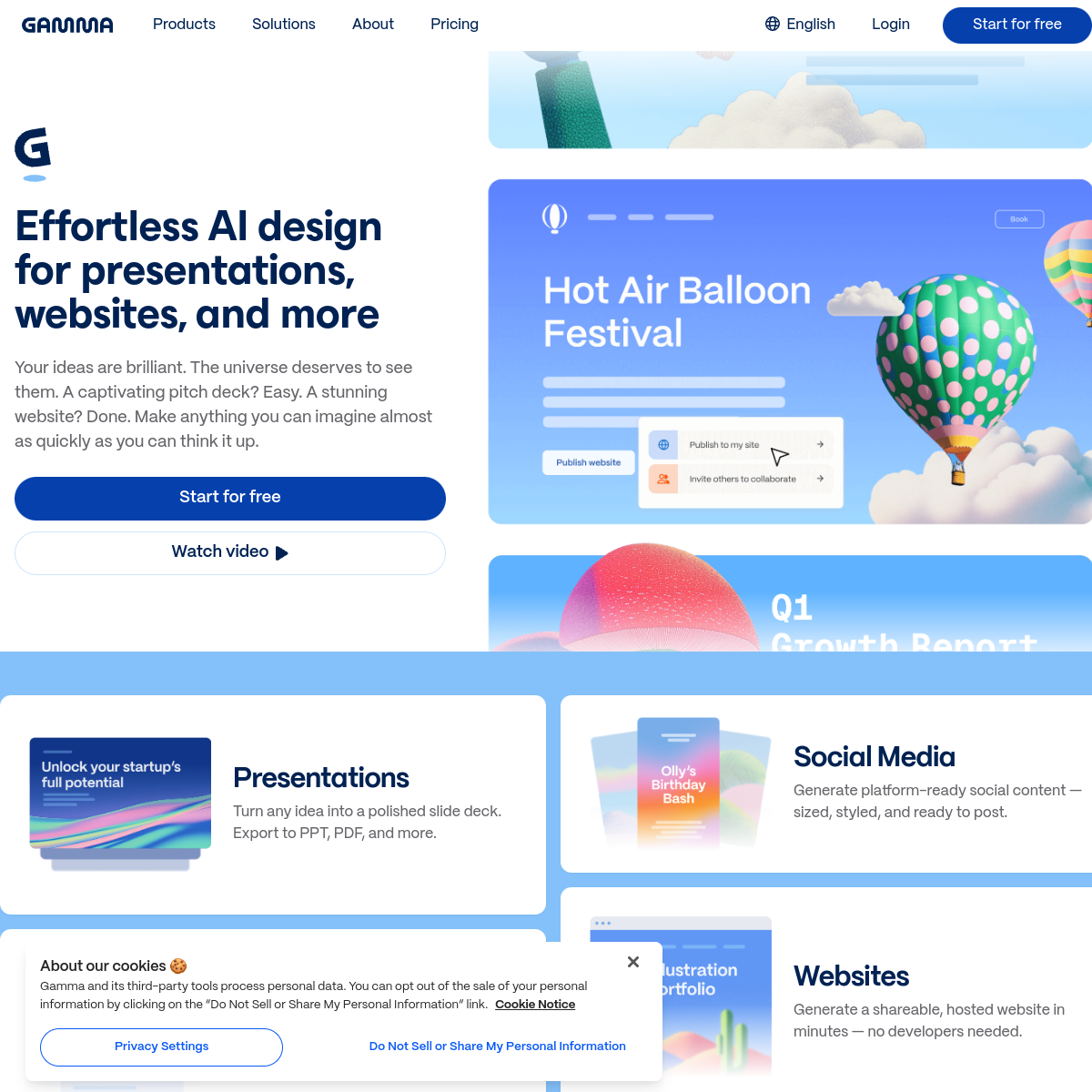
Screenshot of Gamma

AI tool that generates full presentations, documents, and web pages from a single text prompt.

Gamma turns a topic or outline into a complete, designed presentation, document, or webpage in one step, then lets you keep editing it with AI or by hand using its card-based canvas. It supports embedding media, one-click design themes, and analytics on shared decks, and exports to PDF, PowerPoint, or Google Slides. Pricing runs on a credit system: the free plan gives a one-time allowance, while paid plans include recurring monthly credits.

  • Generates presentations, documents, and websites from one text prompt
  • Card-based editor with one-click restyling and AI-assisted editing
  • Analytics on shared decks (views, engagement)
  • Exports to PDF, PowerPoint, PNG, and Google Slides
  • Free plan includes 400 one-time AI credits (~10 presentations)
  • Plus and Pro add unlimited AI credits, custom fonts, and no Gamma branding
Freemium · Free (400 one-time credits); Plus ~$8-10/mo (annual); Pro ~$16-20/mo (annual); Enterprise custom0 net votes
looka.com
Screenshot of Looka

AI logo maker and brand-kit generator — answer a few questions and get logo concepts plus matching brand assets.

Looka generates dozens of logo concepts from a business name, industry, and style preferences, letting users fine-tune colors, fonts, and icons before purchasing. Rather than a monthly subscription for the logo itself, Looka is design-first and pay-on-download: browsing and designing is free, and pricing kicks in when exporting files. Its Brand Kit subscription extends a chosen logo into 300+ matching templates for social media, business cards, and other branded assets.

  • Free to design — pay only when downloading the final logo
  • AI-generated logo concepts from name, industry, and style inputs
  • Brand Kit: 300+ auto-branded templates (social, business cards, letterhead)
  • Brand Kit Web adds an AI-generated website with hosting
  • Vector file formats (SVG, EPS, PDF) included from the Premium tier up
  • No ongoing subscription required for a one-time logo purchase
Paid · Basic Logo $20 one-time (PNG only); Premium Logo $65 one-time (vector files); Brand Kit ~$96/yr; Brand Kit Web ~$129/yr0 net votes
canva.com
Screenshot of Canva Magic Studio

AI-powered design suite inside Canva for images, video, and text.

Magic Studio is the umbrella name for Canva's AI features (image and text generation, background removal, Magic Write, video editing tools) built into the regular Canva design editor. It's aimed at non-designers who want AI-assisted results without leaving Canva's drag-and-drop workflow.

  • Built into the same editor as Canva's templates — no separate app to learn
  • Free plan includes a capped number of AI (Magic Studio) uses per month
  • Canva Pro (~$15/mo) raises the monthly AI-use allowance and unlocks the full design toolkit
  • Includes Magic Write (text), Magic Media (image/video generation), and Magic Eraser (object removal)
  • Teams plan (~$30/user/mo) adds shared brand kits and approval workflows
Freemium · Free; Pro ~$15/mo; Teams ~$30/user/mo0 net votes
uizard.io
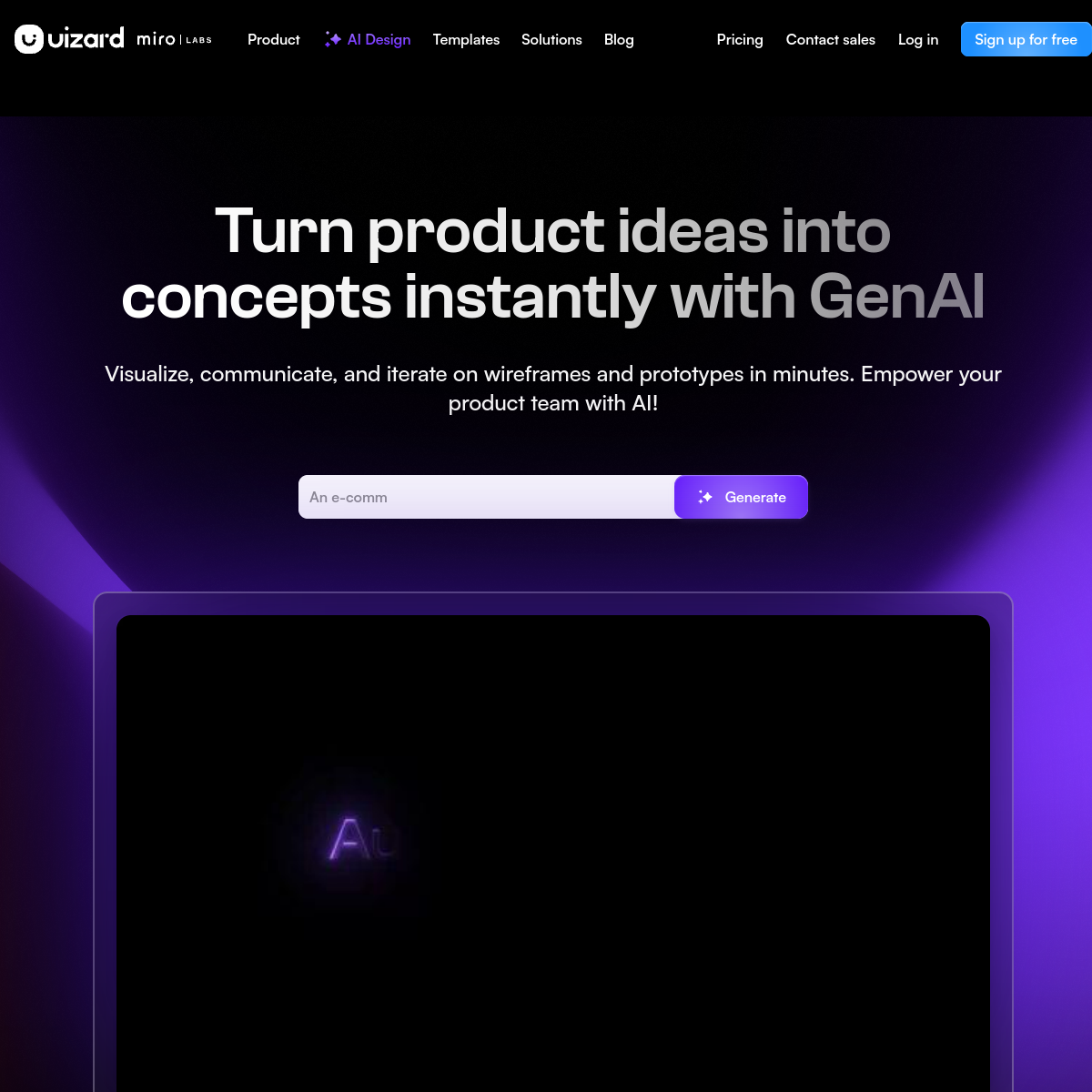
Screenshot of Uizard

AI tool that turns text prompts or sketches into UI design mockups.

Uizard lets non-designers generate app or website UI mockups from a text description or even a hand-drawn sketch, producing editable screens that can be refined in a simplified design editor and exported for handoff to developers.

  • Generate UI mockups from a text prompt
  • Convert hand-drawn sketches into digital wireframes
  • Simplified drag-and-drop editor for non-designers
  • Screens exportable for developer handoff
Freemium · Freemium — paid plans from around $19/mo0 net votes
decktopus.com
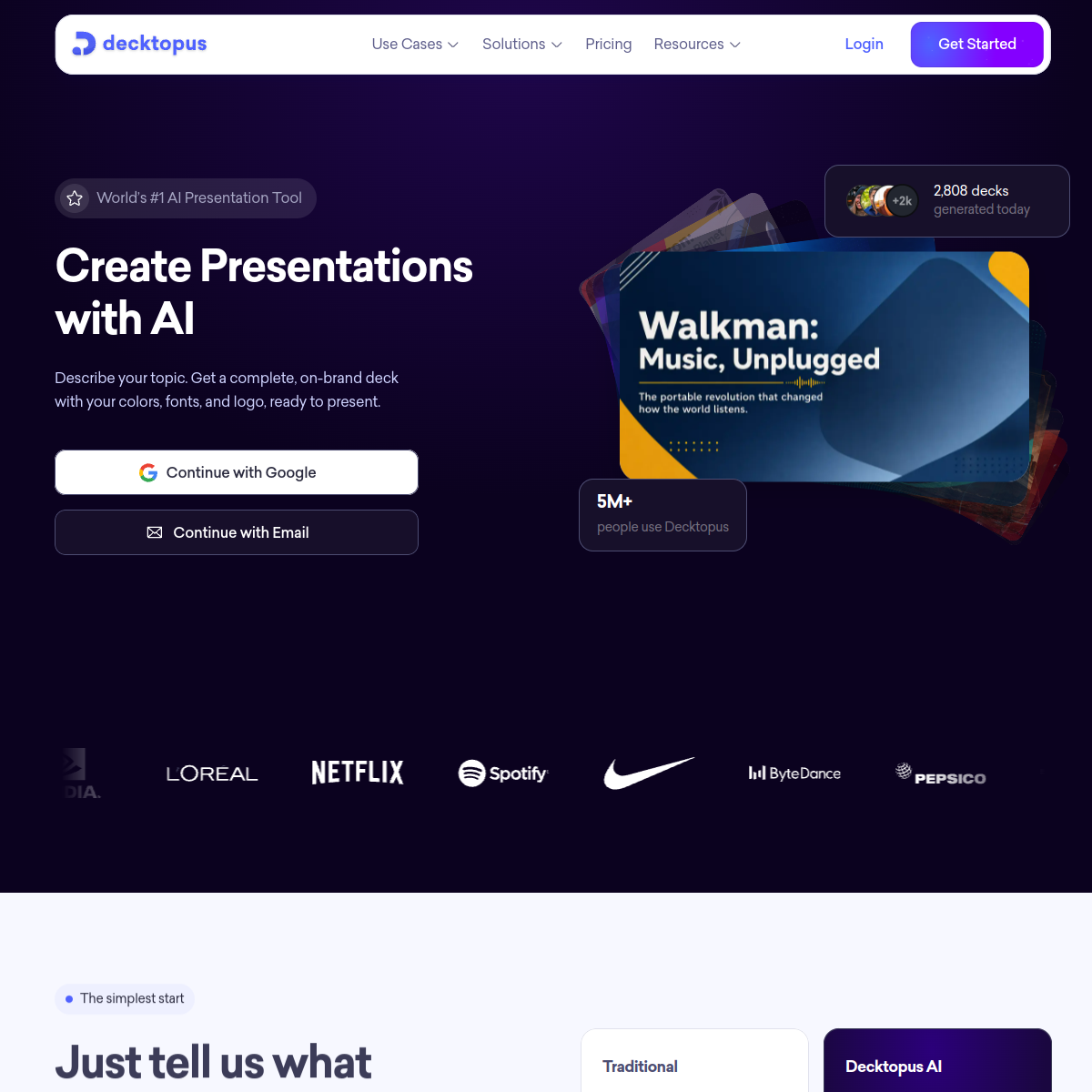
Screenshot of Decktopus

AI presentation builder that generates a full slide deck from a topic.

Decktopus generates a structured slide deck — content, layout, and design — from a topic or outline, aimed at users who want a fast first draft of a presentation without manually designing each slide.

  • Generates a full deck outline and design from a topic
  • AI-suggested layouts and design themes
  • Built-in forms and interactive elements for decks
  • Analytics on how viewers engage with a shared deck
Freemium · Freemium — paid plans from around $9.99/mo0 net votes
miro.com
Screenshot of Miro

Online whiteboard platform with AI features for diagramming and summarizing.

Miro is a collaborative online whiteboard for brainstorming and diagramming, with AI features that can generate diagrams from a text description, cluster sticky notes into themes, and summarize a board's content.

  • Generates diagrams and flowcharts from a text description
  • AI clustering of sticky notes into themes
  • Summarizes a whiteboard's content automatically
  • Real-time collaborative whiteboarding for remote teams
Freemium · Freemium — paid plans from around $10/user/mo0 net votes
spline.design
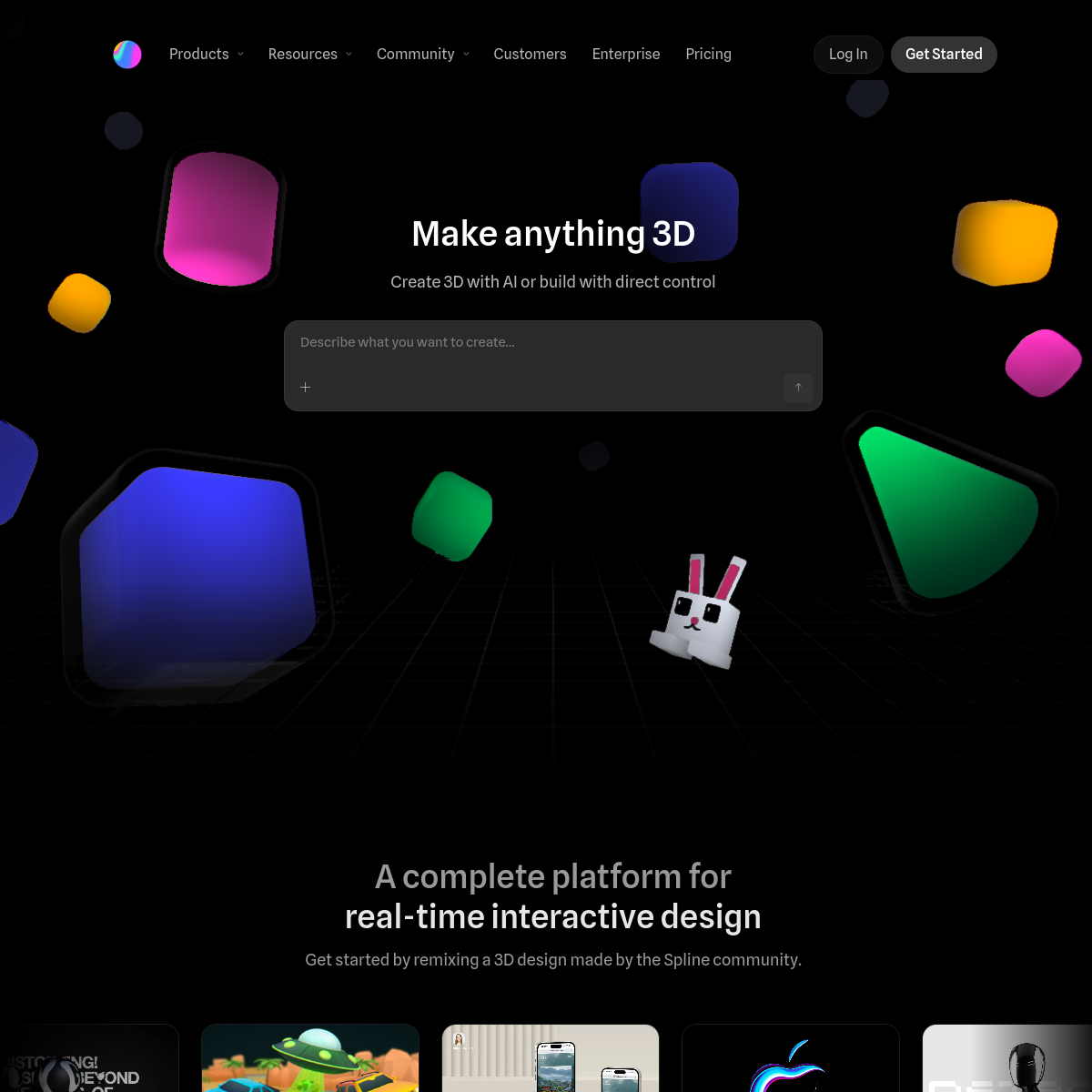
Screenshot of Spline

Browser-based 3D design tool with AI-assisted model generation.

Spline lets designers create interactive 3D scenes and objects directly in the browser, with AI features that can generate a starting 3D model or texture from a text prompt for further refinement.

  • Browser-based 3D design, no separate software install
  • AI-generated starting models and textures from text prompts
  • Interactive 3D scenes exportable for websites and apps
  • Real-time collaboration on 3D design projects
Freemium · Freemium — paid plans from around $12/mo0 net votes
presentations.ai
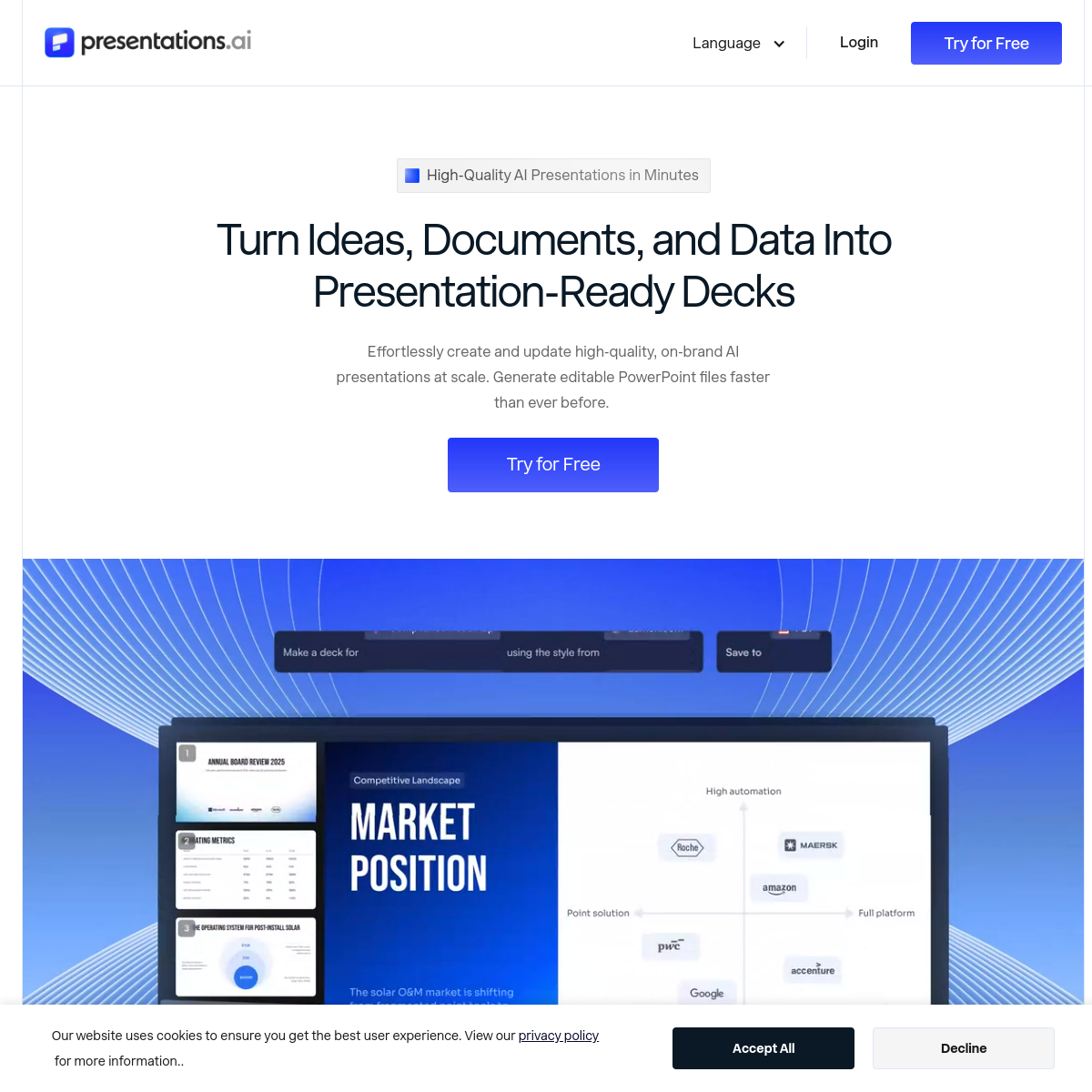
Screenshot of Presentations.ai

AI presentation generator focused on business and pitch decks.

Presentations.ai generates a structured slide deck with design, charts, and speaker notes from a topic or outline, aimed at business users who need a professional pitch or report deck quickly.

  • Generates a full deck including charts and speaker notes
  • Business-oriented templates for pitches and reports
  • AI-suggested design refinements per slide
  • Export to PowerPoint or Google Slides
Freemium · Freemium — paid plans from around $18/mo0 net votes
whimsical.com
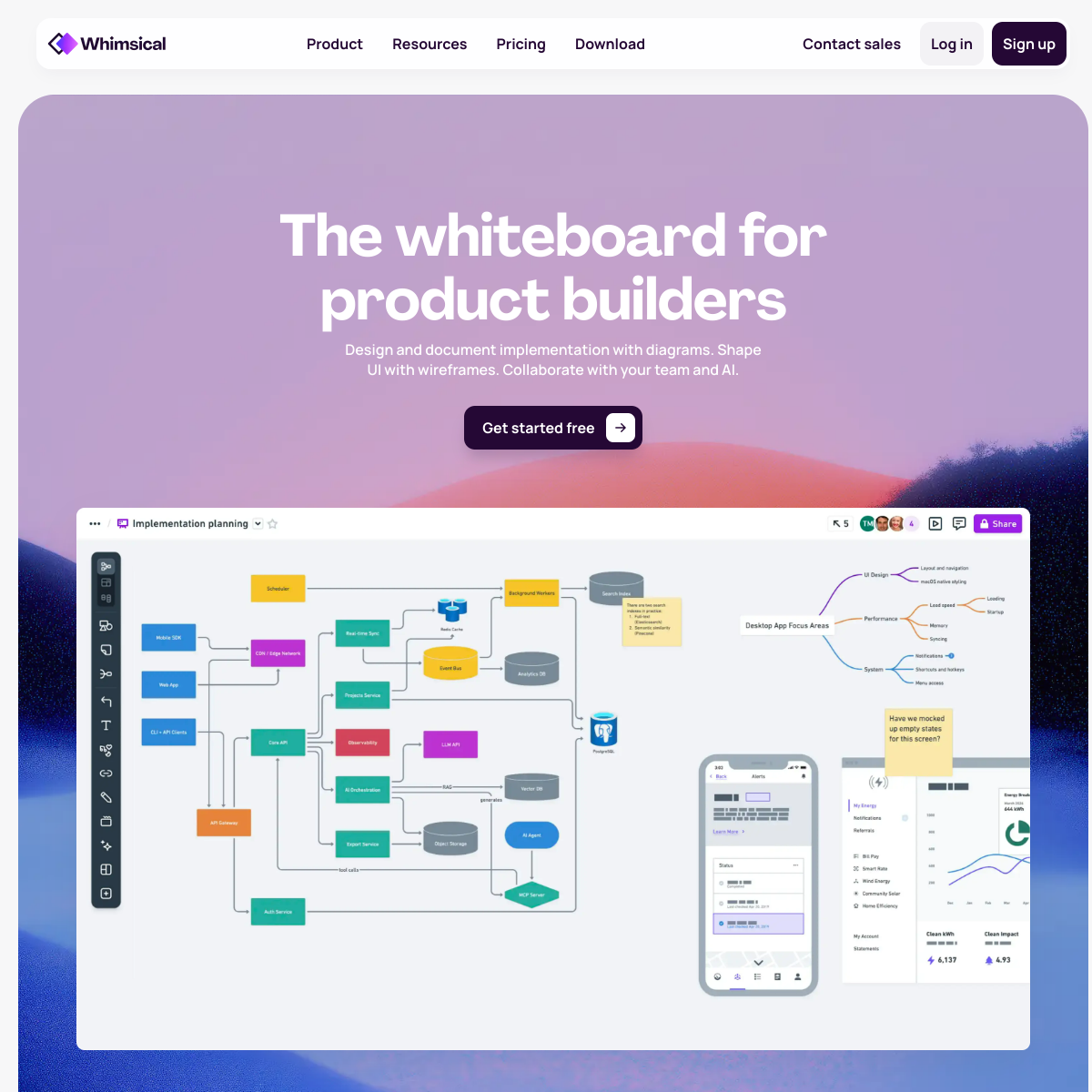
Screenshot of Whimsical

Visual workspace for flowcharts, wireframes, and mind maps with AI assistance.

Whimsical is a lightweight visual tool for building flowcharts, wireframes, mind maps, and docs, with AI features that can generate a starting diagram or mind map structure from a text description.

  • Generates flowcharts and mind maps from a text description
  • Combines diagrams, wireframes, and docs in one workspace
  • Clean, fast interface built for quick visual thinking
  • Real-time collaboration on diagrams and boards
Freemium · Freemium — paid plans from around $10/user/mo0 net votes
figma.com
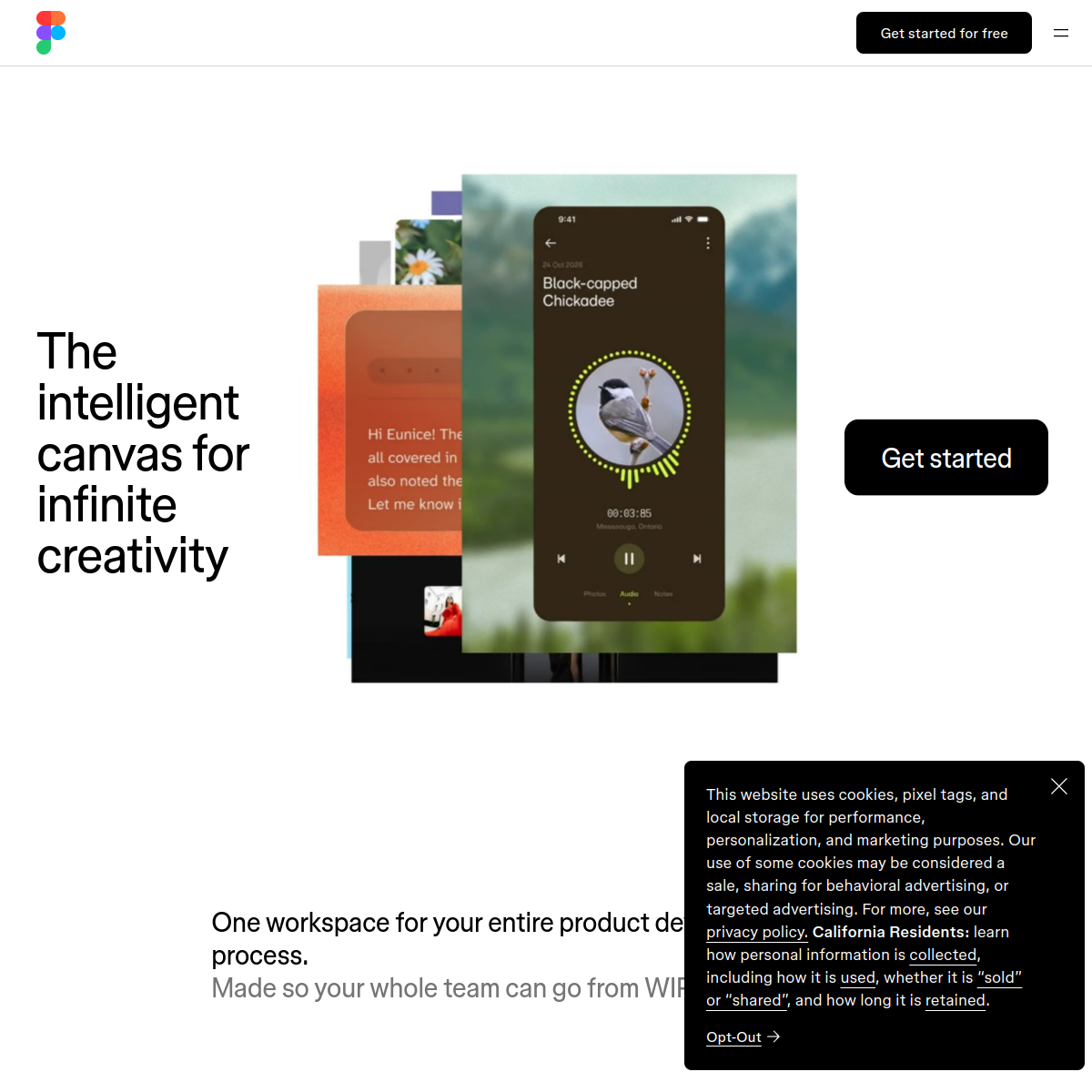
Screenshot of Figma

Collaborative design tool with AI features for generating and refining UI designs.

Figma is the widely used collaborative interface design tool, which has added AI features that can generate design variations, rename layers automatically, remove backgrounds from images, and translate text within a design file.

  • AI-generated design variations from an existing frame
  • Automatic layer renaming and file organization
  • Background removal for images within a design
  • Real-time multiplayer design collaboration
Freemium · Freemium — paid plans from around $12/editor/mo0 net votes
wonderslide.com
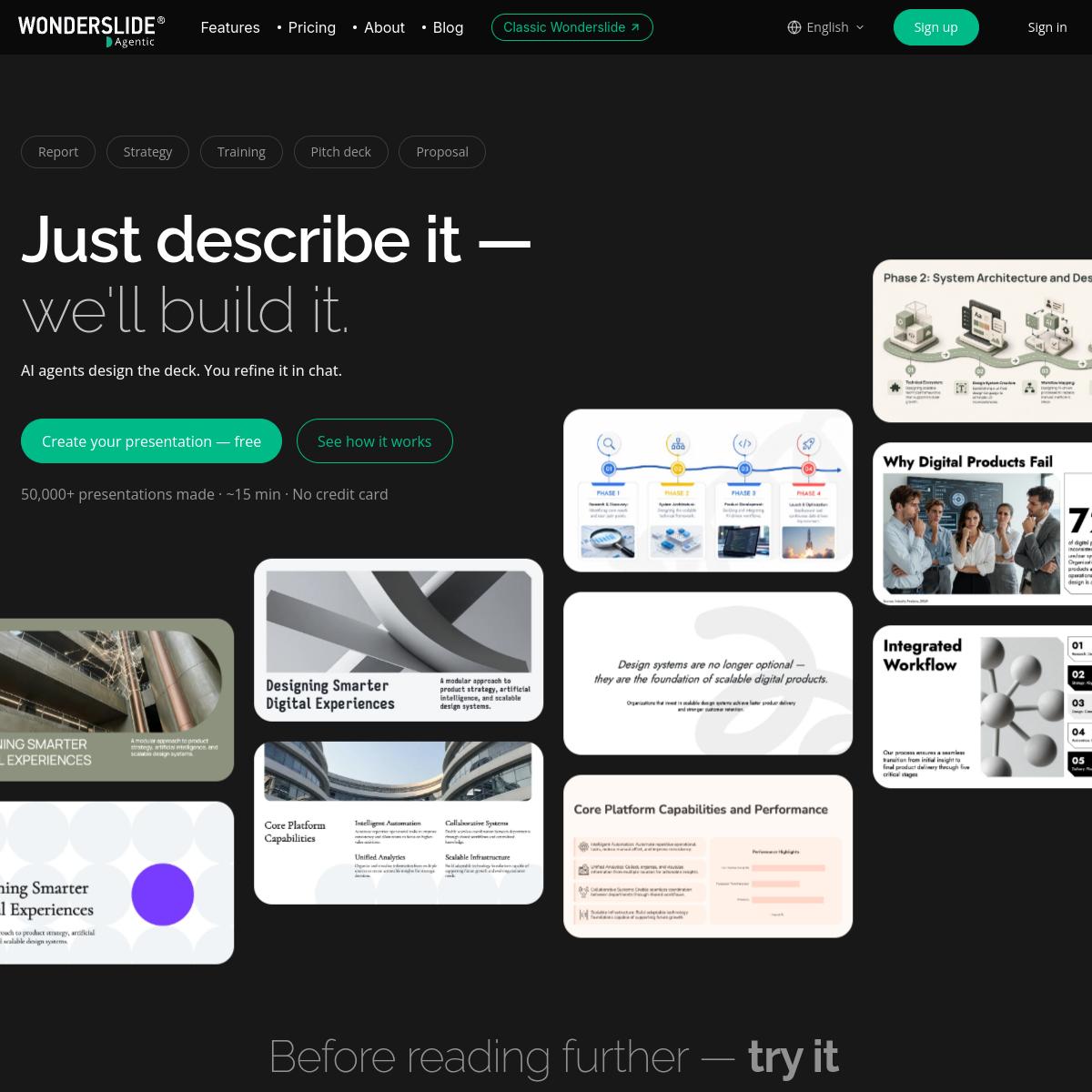
Screenshot of Wonderslide

AI presentation generator that turns a topic or document into a full deck.

Wonderslide generates a full slide deck — outline, content, and design — from a topic, document, or YouTube video, aimed at teachers, trainers, and business users who need a presentation quickly.

  • Generates a deck from a topic, document, or video link
  • Multiple design themes applied automatically
  • Editable slide-by-slide after generation
  • Export to PowerPoint or Google Slides
Freemium · Freemium — paid plans from around $8/mo0 net votes
veras.ai
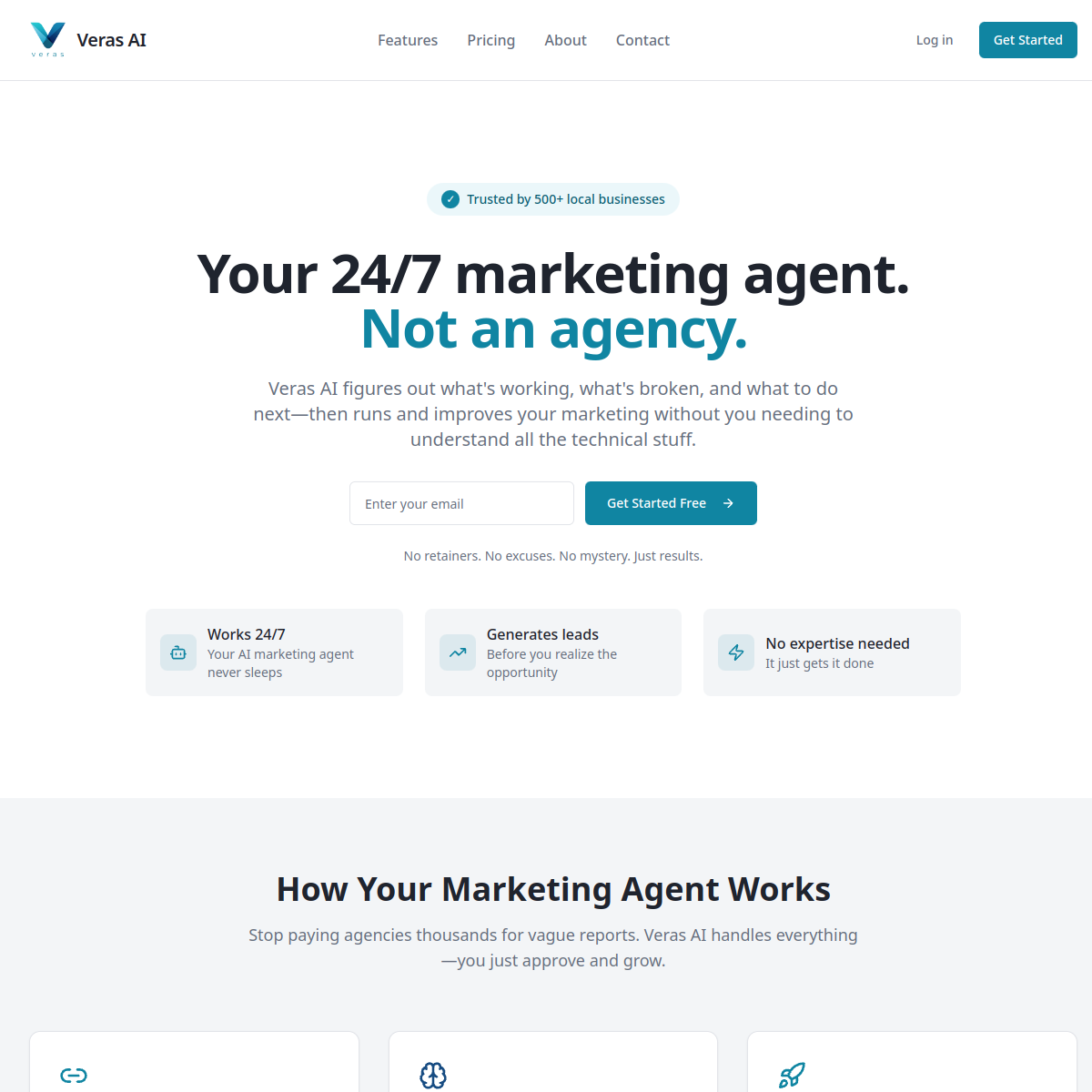
Screenshot of Veras AI

AI rendering plugin that turns architectural sketches into photorealistic images.

Veras is a plugin for design software like SketchUp and Revit that generates photorealistic renderings directly from a rough 3D model or sketch, aimed at architects who want fast visual concepts without a dedicated rendering workflow.

  • Generates photorealistic renders from a rough 3D model
  • Plugs directly into SketchUp, Revit, and Rhino
  • Multiple style presets for different rendering aesthetics
  • Fast iteration compared to traditional rendering pipelines
Paid · Paid plans from around $60/mo0 net votes
kittl.com
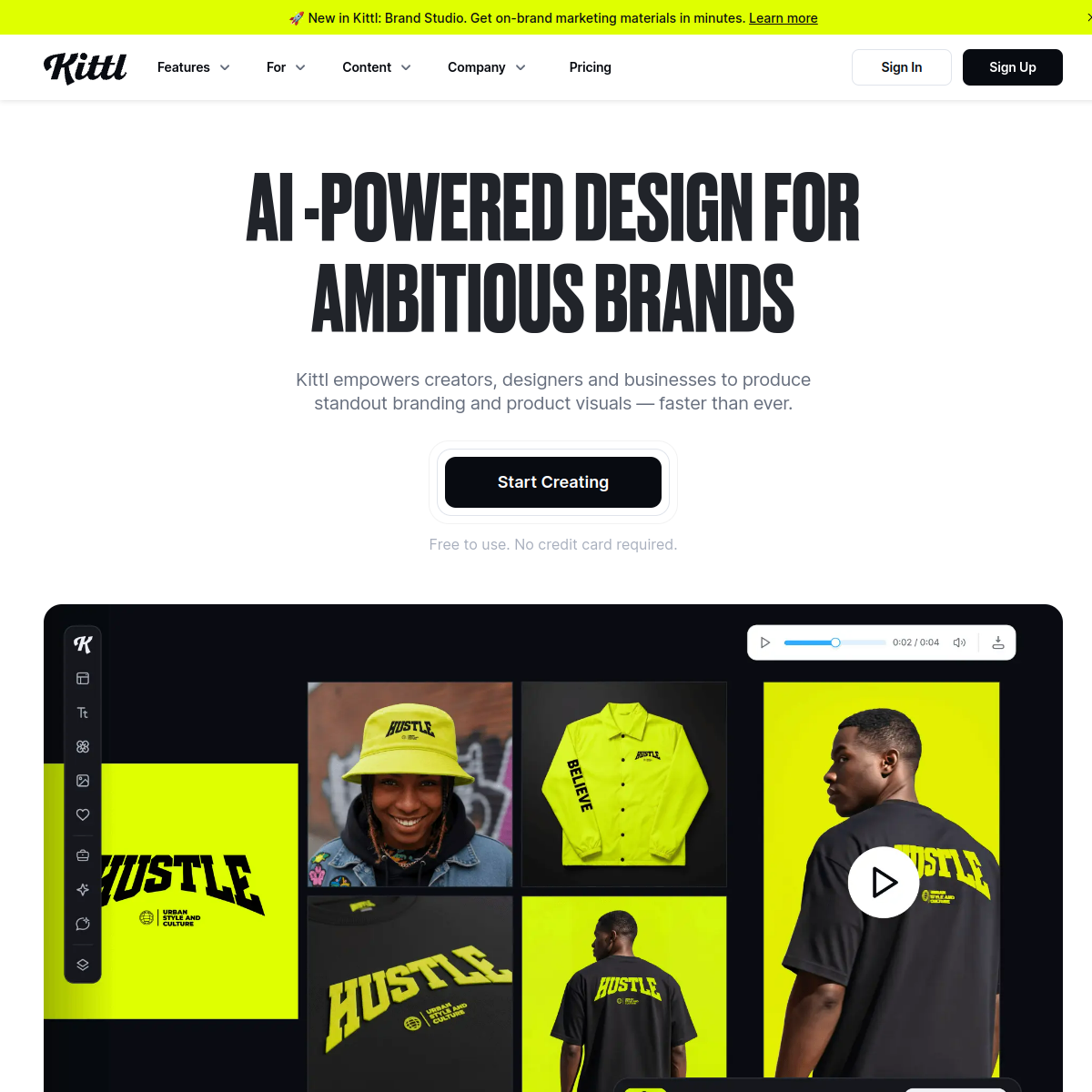
Screenshot of Kittl

AI-assisted graphic design tool focused on print-on-demand and merch design.

Kittl combines a design editor with AI image generation and a large library of fonts and templates, aimed at creators designing t-shirts, stickers, and other print-on-demand merchandise without deep design software experience.

  • AI image generation built into the design editor
  • Templates and assets geared toward print-on-demand merch
  • Large font and texture library for typography-driven designs
  • Mockup generator for previewing merch designs
Freemium · Freemium — paid plans from around $18/mo0 net votes
storydoc.com
Screenshot of Storydoc

AI tool for creating interactive sales decks and proposals.

Storydoc turns a static sales deck into an interactive, web-based presentation with embedded video, calculators, and analytics on which slides a prospect actually engaged with, aimed at replacing PDF proposals.

  • Turns a static deck into an interactive web presentation
  • Embeds video, calculators, and interactive elements
  • Analytics on which slides a recipient engaged with
  • AI-assisted design and content suggestions
Freemium · Freemium — paid plans from around $30/mo0 net votes
simplified.com
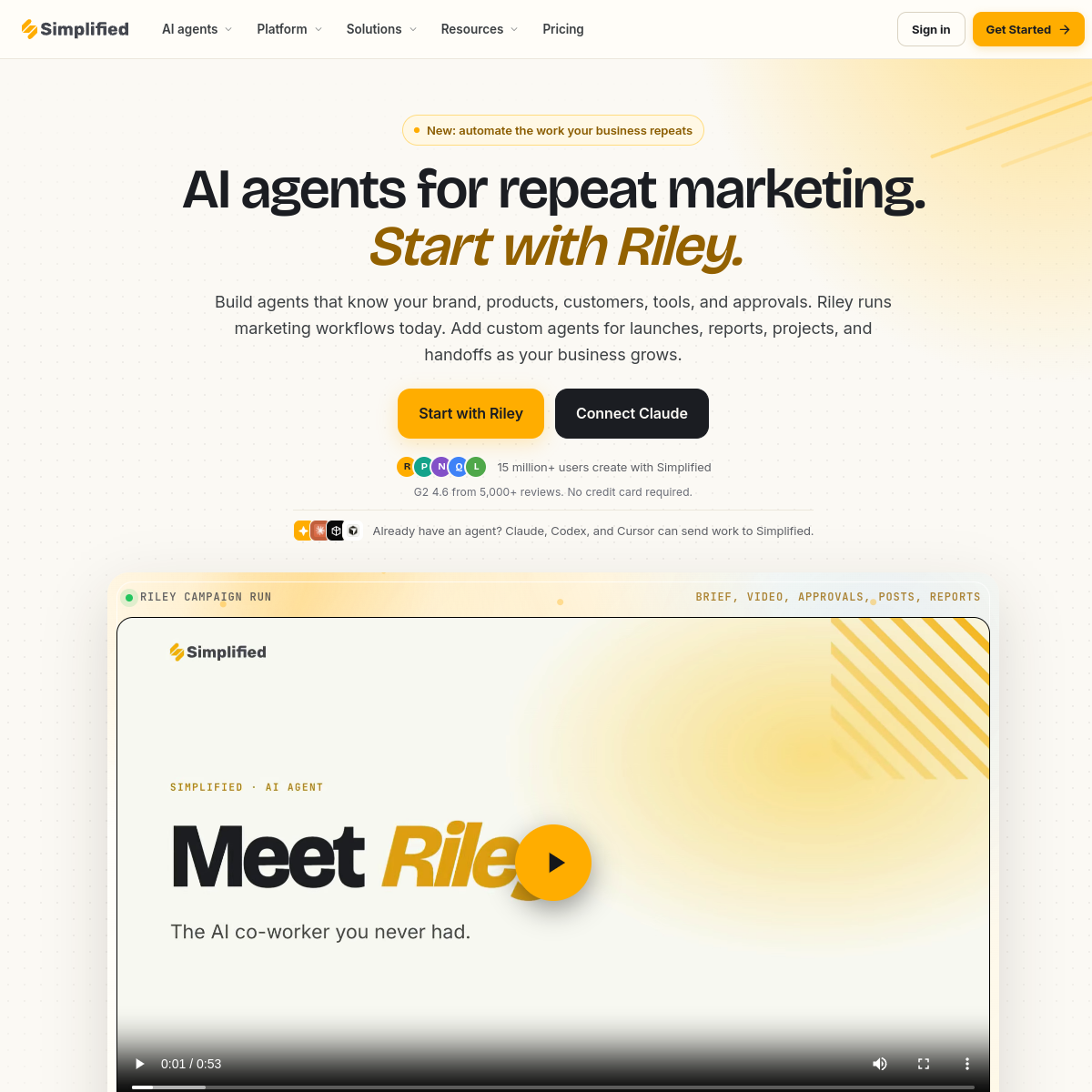
Screenshot of Simplified

All-in-one AI design, video, and copywriting tool for small marketing teams.

Simplified combines a graphic design editor, video editor, and AI copywriting assistant in one platform, aimed at small teams who want to produce marketing content without switching between several separate tools.

  • Combines design, video editing, and AI copywriting in one app
  • Social media scheduling built in
  • Templates for common marketing content formats
  • AI-generated captions and copy alongside visual editing
Freemium · Freemium — paid plans from around $18/mo0 net votes
pitch.com
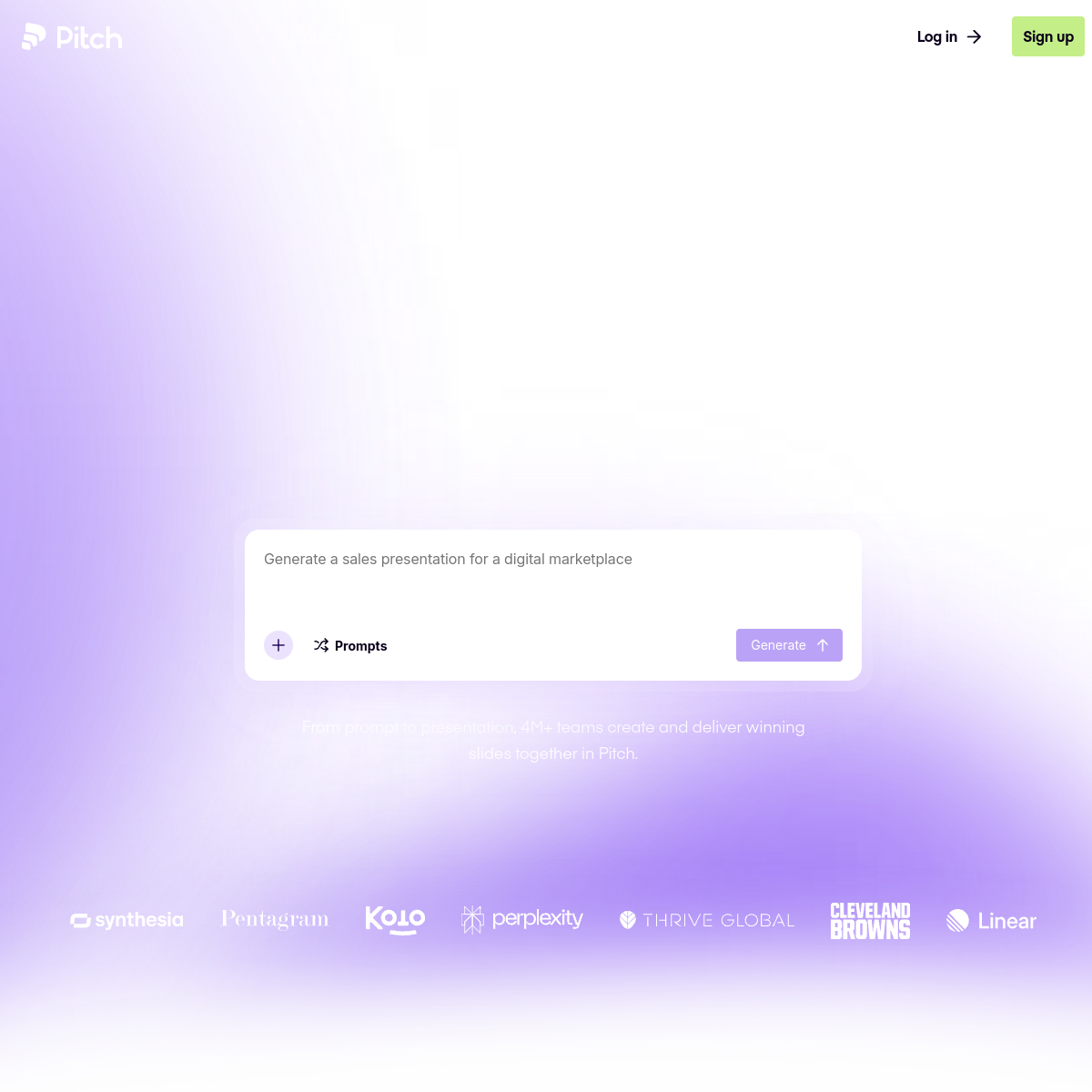
Screenshot of Pitch

Collaborative presentation software with AI-generated slide content.

Pitch is a presentation tool built for team collaboration, with an AI assistant that generates a first-draft deck from a prompt, alongside real-time co-editing, comments, and analytics on how a shared deck performs.

  • Generates a first-draft deck from a text prompt
  • Real-time collaborative editing and commenting
  • Analytics on how a shared deck is viewed
  • Reusable brand templates for team consistency
Freemium · Freemium — paid plans from around $8/user/mo0 net votes
qwilr.com
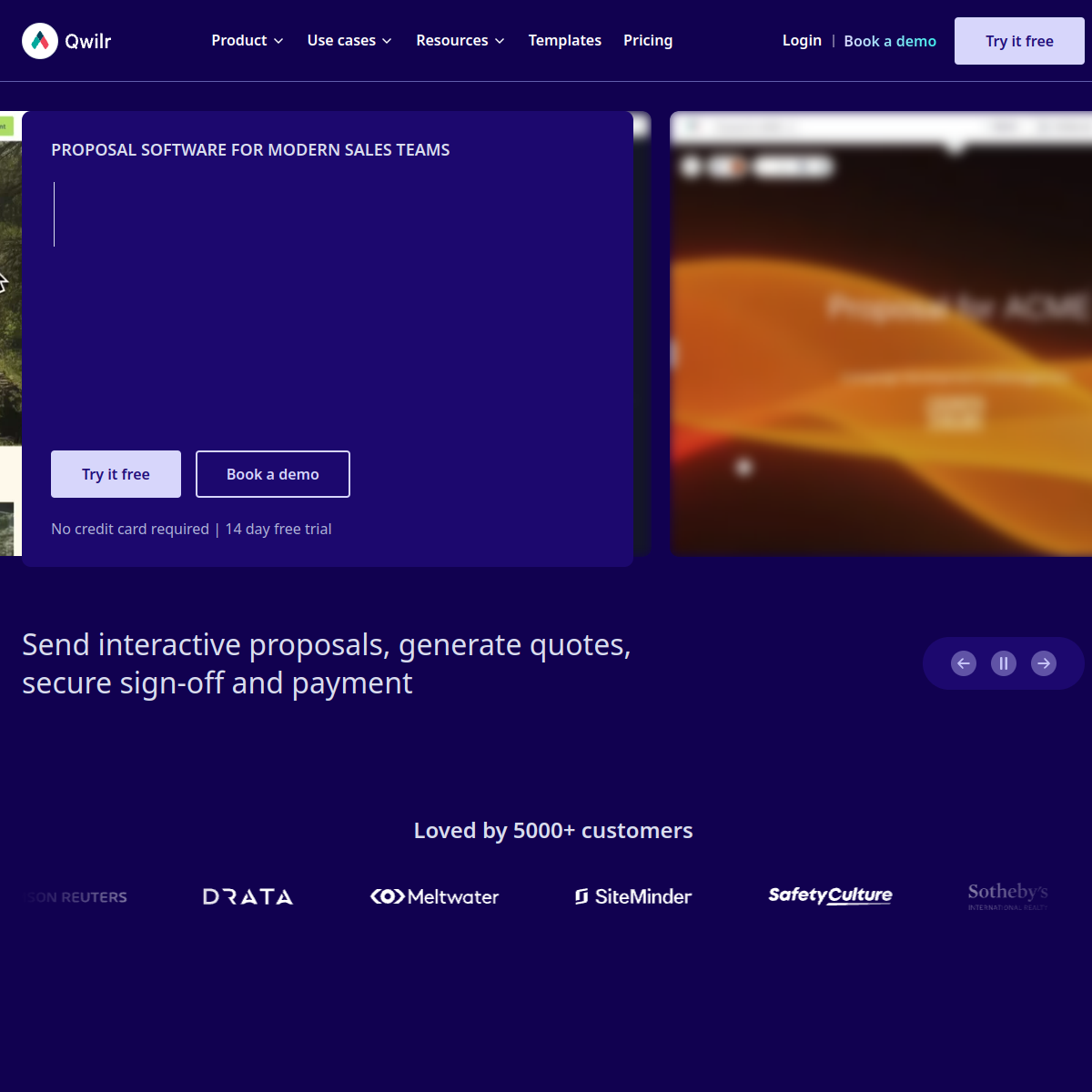
Screenshot of Qwilr

Tool for creating interactive, web-based sales proposals and quotes.

Qwilr turns a sales proposal or quote into an interactive web page instead of a static document, with embedded pricing tables, videos, and e-signature, and AI-assisted content generation to speed up drafting.

  • Turns proposals into interactive web pages instead of PDFs
  • Embedded pricing tables, videos, and e-signature
  • AI-assisted content drafting for new proposals
  • Analytics on how recipients engage with a sent proposal
Paid · Paid plans from around $35/user/mo0 net votes