AIPick
Ranking

Top Video Generation AI Tools

AI tools that generate, edit, or dub video content.

Ranked by community votes and reviews · updated every few hours

How this ranking works

Rank is based on a combination of real, ongoing signals from the AIPick community — not a paid placement or a one-time snapshot.

  • Upvote ratio — the share of votes that are positive, not just the raw vote count.
  • Review rating — the average star rating left by users who've actually reviewed the tool.
  • Review volume — more reviews give a rating more weight, so a 5.0 from one review won't outrank a 4.7 from hundreds.
  • Recent activity — tools that keep getting votes and reviews are favored over ones that went quiet.
  • Verification — tools claimed and verified by their owners get a small trust boost, shown with a ✓ badge.

Rankings update automatically every few hours as new votes and reviews come in, and can change at any time — nobody can pay to move up this list.

1Pictory12HeyGen13Synthesia14Pika15InVideo AI16D-ID07Descript08Runway09Opus Clip010Vidyard011Colossyan012Type Studio013Kapwing014Riverside.fm015Tavus016DeepBrain AI017Creatify018Restream019Fliki020Submagic0
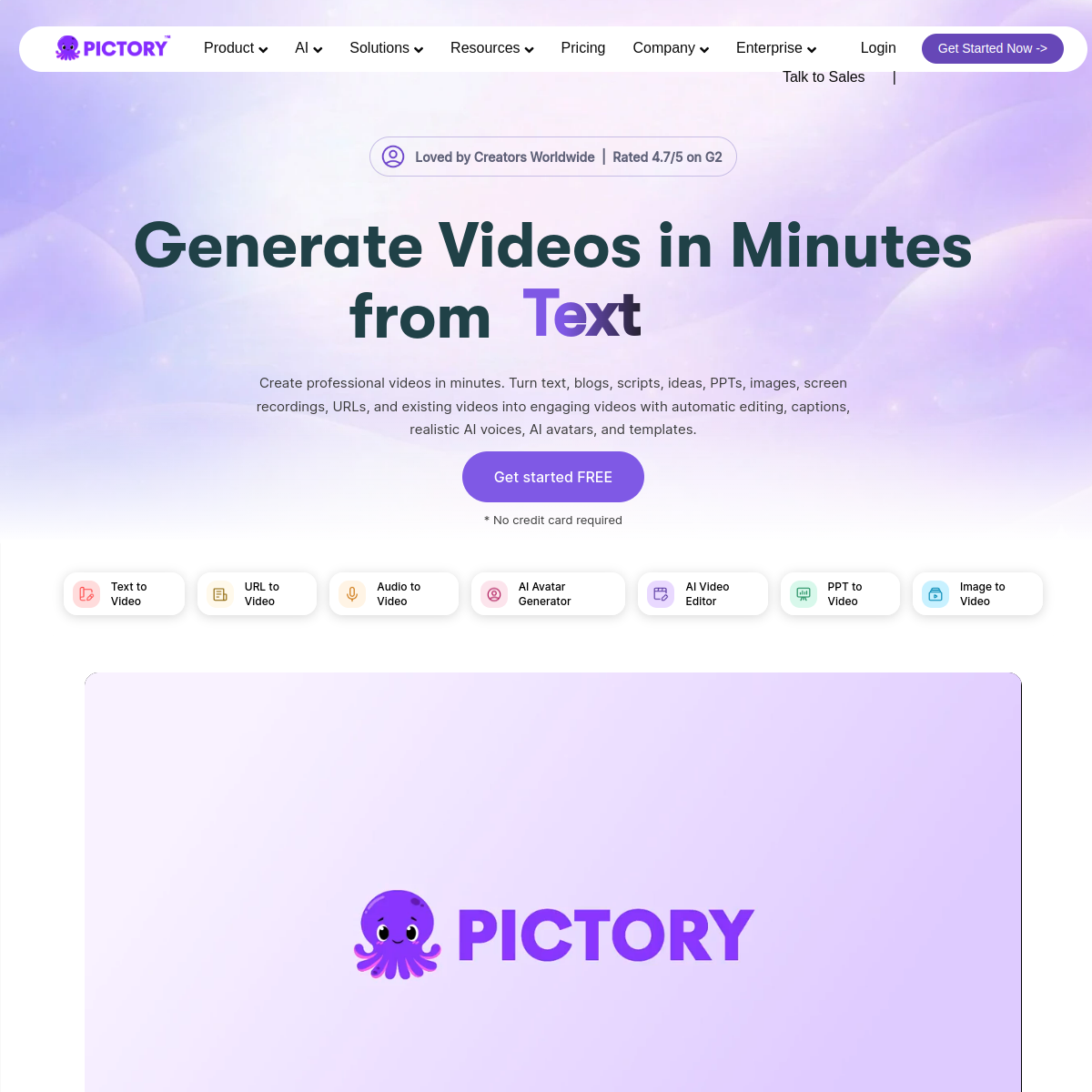
pictory.ai
Screenshot of Pictory

Turns scripts, articles, or slides into edited videos automatically, with AI voiceovers and auto-captions.

Pictory converts text — a blog post, script, or PowerPoint deck — into a produced video by auto-selecting matching stock footage, adding AI voiceovers, and generating captions. It can also turn a long recording like a webinar or podcast into short highlight clips for social media, and includes a screen recorder that automatically trims silences and filler words. Plans are metered by monthly video minutes rather than a flat seat price.

  • Script, article, URL, or PowerPoint-to-video conversion
  • AI voiceovers (including ElevenLabs voices on higher tiers) in 20+ languages
  • Automatic highlight-clip extraction from long recordings
  • Auto-captioning with customizable fonts and styling
  • Screen recorder that auto-trims silences and filler words
  • No permanent free plan — 14-day trial to test the platform
Paid · No free plan (14-day trial); Standard ~$19-23/mo (annual); Professional ~$39-47/mo; Teams ~$99/mo+1 net votes
heygen.com
Screenshot of HeyGen

AI avatar video generator for creators and businesses, with video translation.

HeyGen generates talking-avatar videos from a script and voice, and is widely used for marketing, sales outreach, and localizing videos into other languages with lip-synced dubbing. It runs on a premium-credit system where higher-fidelity avatar models (Avatar IV/V) cost more credits per minute than older models.

  • Free plan gives 3 videos/month at 720p with a watermark
  • Creator ($29/mo) unlocks unlimited videos at 1080p plus one voice clone
  • Video translation with lip-sync dubbing across many languages
  • Business tier ($149/mo + $20/seat) adds 4K rendering and up to 5 custom avatars
  • Credit cost varies sharply by avatar model — Avatar IV/V videos cost ~20 credits/minute vs 3 for older avatars
Freemium · Free (watermarked); Creator $29/mo; Pro $99/mo; Business $149/mo + $20/seat1 net votes
synthesia.io
Screenshot of Synthesia

AI avatar video platform for presenter-style training and marketing videos.

Synthesia generates videos of AI presenter avatars speaking a script in 140+ languages, aimed at teams that need consistent training, onboarding, or marketing videos without filming a person every time. It's the most established player in this category, used by 50,000+ teams, and supports dubbing and interactive (branching) video on higher tiers.

  • Free plan available but limited to a small monthly video allowance with a watermark
  • Starter (~$18-29/mo) removes the watermark and unlocks 125+ stock avatars
  • Creator (~$64-89/mo) adds personal AI avatars, API access, and interactive video
  • Supports script translation and dubbing into 140+ languages from one source video
  • Enterprise tier adds SSO, custom avatars, and a dedicated success manager
Paid · Free (watermarked, limited); Starter ~$18-29/mo; Creator ~$64-89/mo; Enterprise custom1 net votes
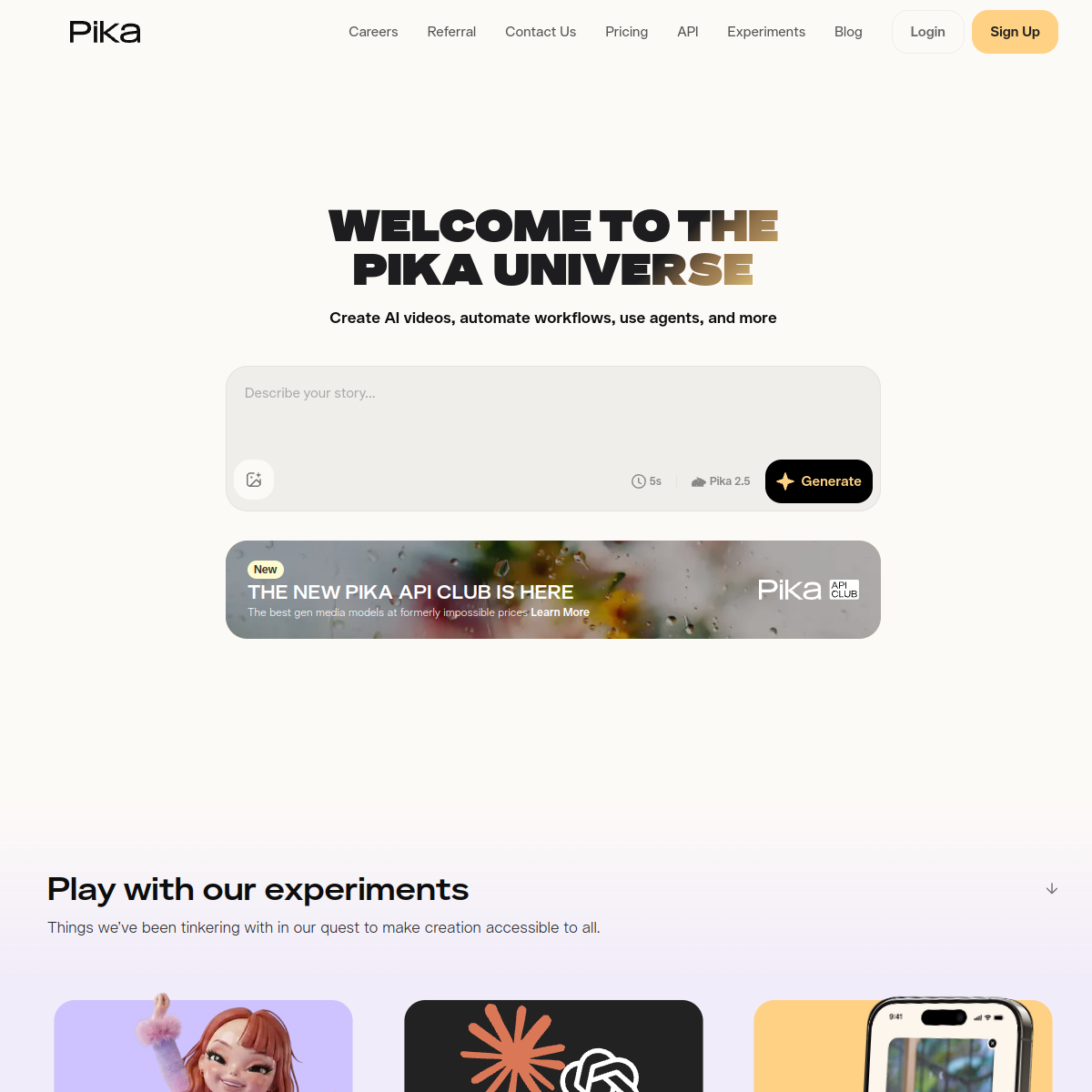
pika.art
Screenshot of Pika

AI video generator known for fast, stylized clips and built-in creative effects.

Pika is an AI video platform built by two Stanford AI researchers, known for its "Pikaffects" — playful, physics-defying effects (melt, explode, inflate) alongside standard text-to-video and image-to-video generation. It runs on a credit system and is generally considered a budget-friendly pick for short social-media clips rather than cinematic work.

  • Pikaffects library adds one-click physics-bending effects (melt, explode, squish, inflate)
  • Pikadditions and Pikaswaps let you insert or replace objects/characters in real footage
  • Pikaframes interpolates smoothly between a start and end keyframe
  • Free tier (80 credits/mo) available, but outputs are watermarked
  • Commercial use and watermark removal require the Pro tier ($28/mo annual) or higher
Freemium · Free (watermarked); Standard ~$8-10/mo; Pro ~$28-35/mo; Fancy ~$76-95/mo1 net votes
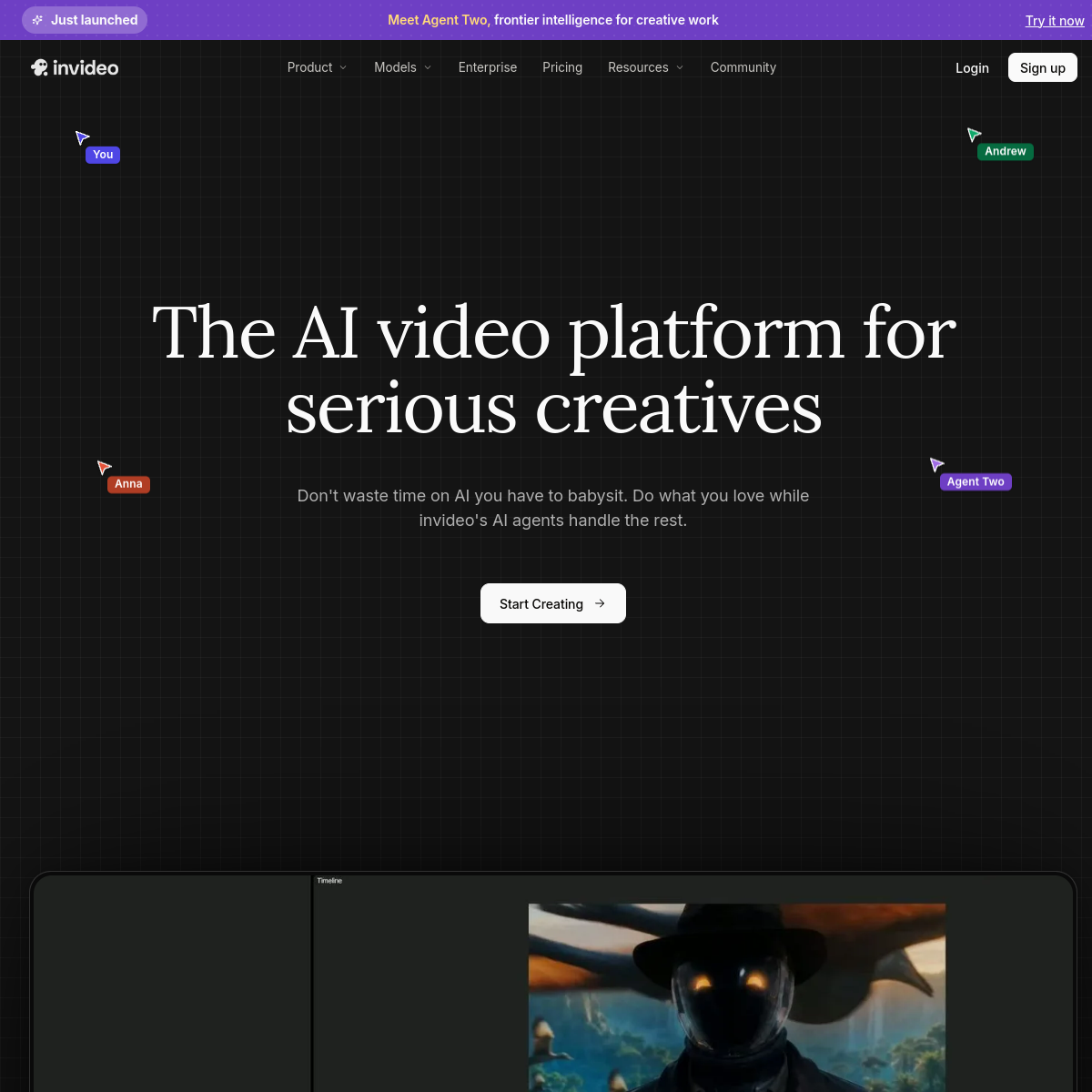
invideo.io
Screenshot of InVideo AI

AI video generator that turns a text prompt into a full edited video.

InVideo AI generates a complete video — script, voiceover, stock footage, and captions — from a single text prompt or topic, then hands off to a standard timeline editor for manual refinement.

  • Generates a full video (script, footage, voiceover) from one prompt
  • Large stock footage and music library included
  • Text-based editing — edit the video by editing the script
  • Auto-captioning and multi-language voiceover
Freemium · Freemium — paid plans from around $20/mo1 net votes
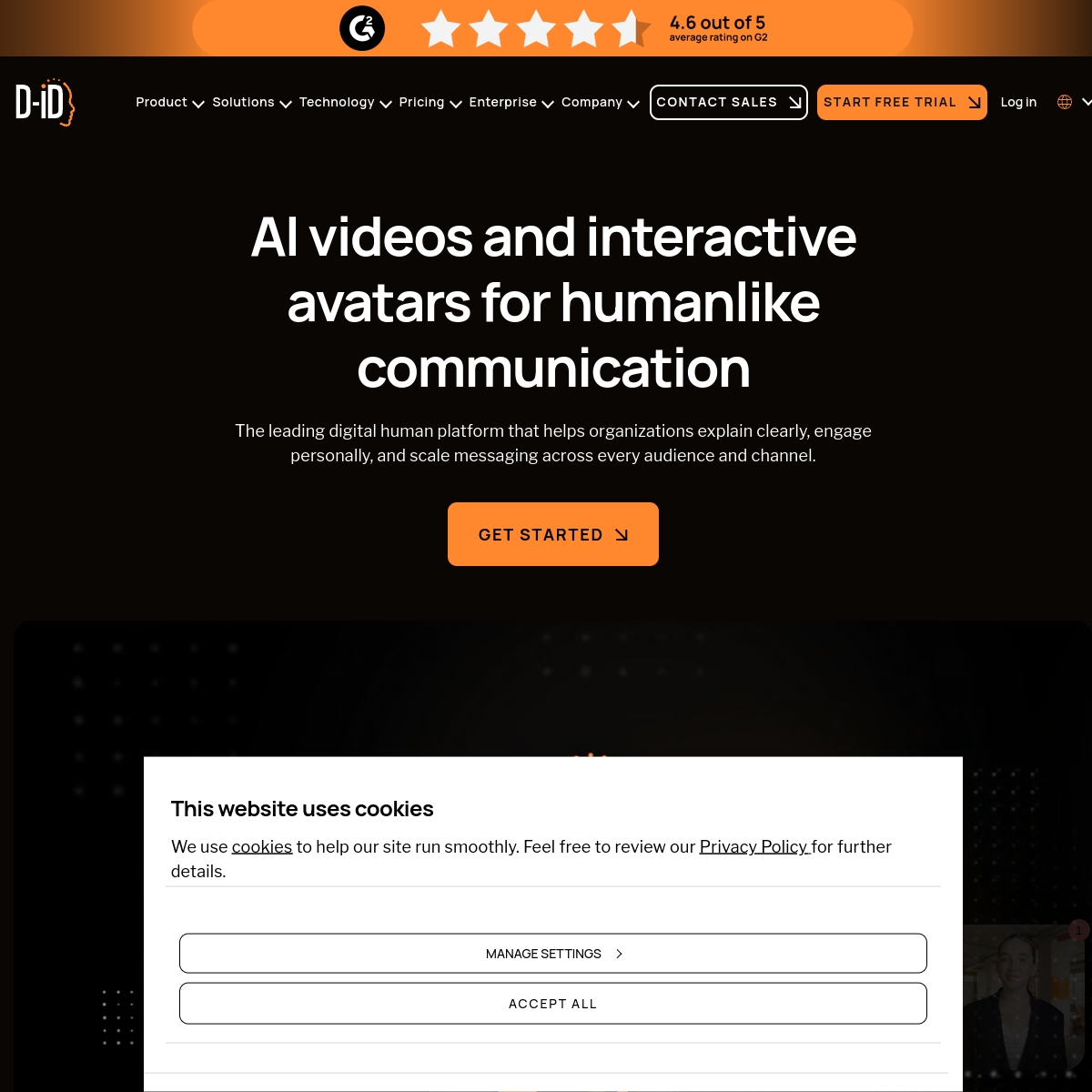
d-id.com
Screenshot of D-ID

Turns a script, image, or recording into a talking-avatar video, plus interactive AI video agents.

D-ID generates videos of AI avatars — stock or a personal clone — speaking a script with a matched cloned or synthetic voice, and can also build interactive "visual agents" that respond live in real time. It runs on a credit system shared across Studio and API use, where longer or higher-quality videos consume more credits, and unused credits expire when a plan renews. Personal, non-commercial use starts on the Lite plan; commercial rights begin at Pro.

  • Script, image, or recording-to-avatar video generation
  • Personal avatar creation and voice cloning
  • Interactive real-time visual agents, not just static video
  • Multi-language video translation for existing footage
  • Credit-based pricing — cost scales with video length and quality
  • Commercial usage rights start at the Pro plan
Paid · Lite ~$4.70/mo (personal use only); Pro ~$16-29/mo (commercial rights); Advanced ~$108/mo; Enterprise custom0 net votes
descript.com
Screenshot of Descript

Text-based audio/video editor — cut, edit, and clean up recordings by editing a transcript.

Descript treats audio and video as editable text: delete a word in the transcript and the corresponding audio or video is cut too. On top of that core workflow it adds AI features like Studio Sound noise cleanup, Overdub voice cloning, filler-word removal, and an "Underlord" AI agent that can script, edit, caption, and generate a draft video from a single prompt. It's popular with podcasters, YouTubers, and marketing teams producing regular spoken-word content.

  • Edit audio/video by editing a transcript — delete text, delete the clip
  • Studio Sound AI noise cleanup and Overdub AI voice cloning
  • Filler-word removal and automatic captions
  • Underlord AI agent can draft an edited video from one prompt
  • Real-time collaboration for teams editing together
  • Free plan capped at 1 hour of transcription/video per month
Freemium · Free (1 hr/mo); Hobbyist ~$16-19/mo; Creator ~$24-35/mo; Business ~$50-65/mo; Enterprise custom0 net votes
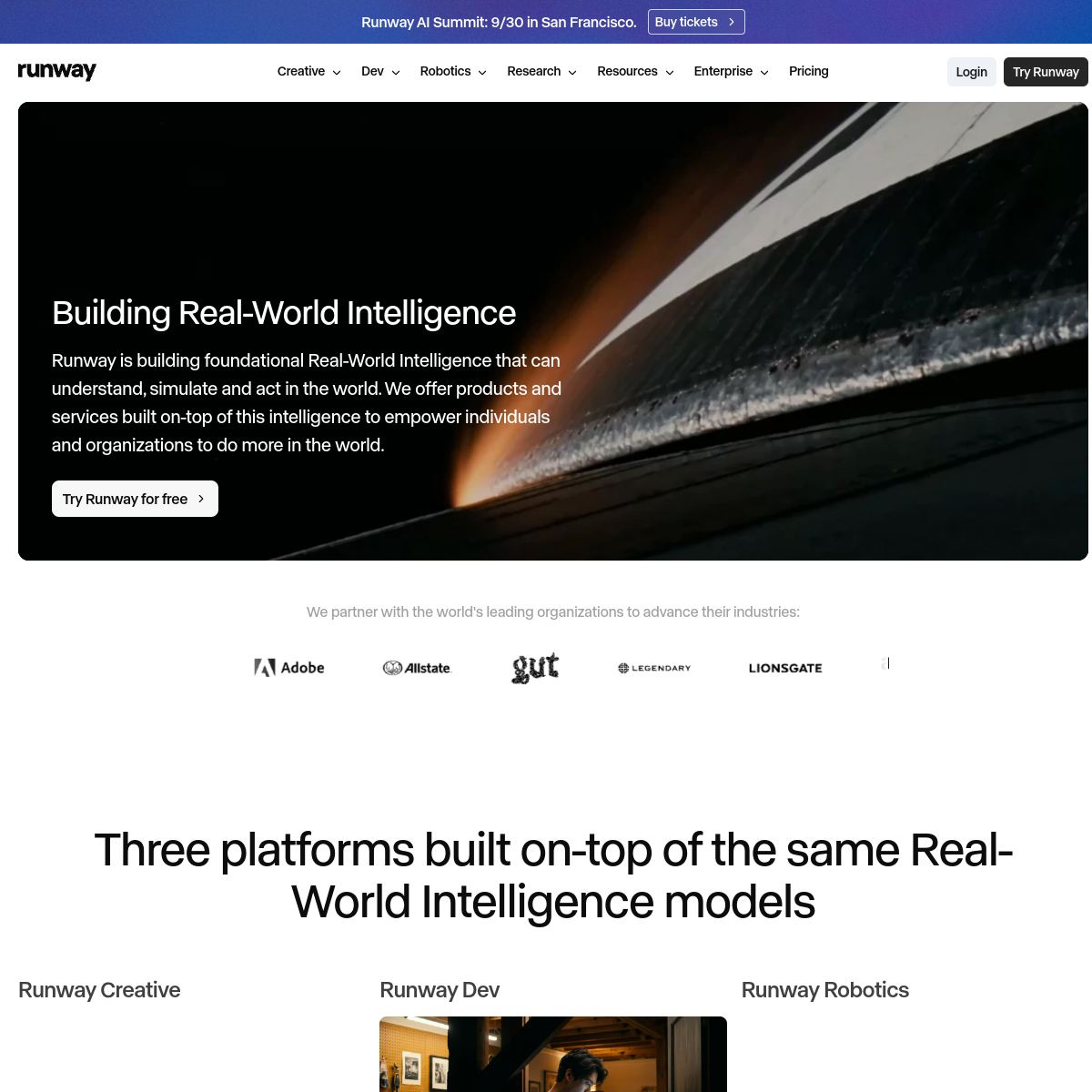
runwayml.com
Screenshot of Runway

AI video generation and editing platform.

Runway builds AI models for generating and editing video, image, and 3D content, and is one of the more established players in AI video (raised over $1B in funding). Its Gen-series video models can generate clips from text or images and extend, edit, or restyle existing footage.

  • Free "Basic" tier available to try core generation features
  • Standard plan starts around $12/mo for individual creators
  • Higher "Unlimited" tier (~$76/mo) removes generation caps for heavy use
  • Includes video-specific editing tools (green screen, inpainting, motion brush), not just generation
  • Offers a public API for developers building video generation into other products
Freemium · Free; Standard ~$12/mo; Unlimited ~$76/mo0 net votes
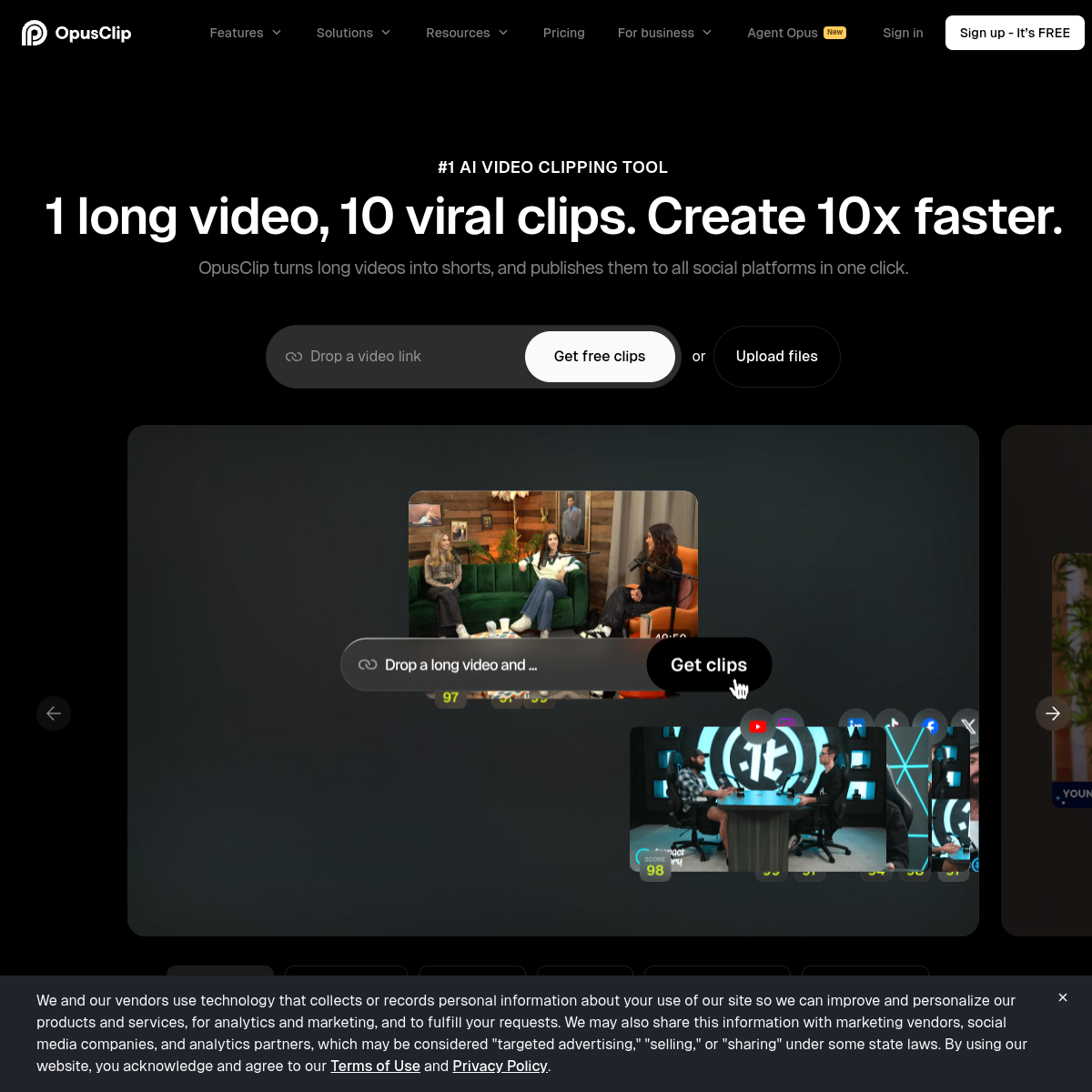
opus.pro
Screenshot of Opus Clip

AI tool that turns long videos into short, ready-to-post social clips.

Opus Clip analyzes a long-form video (like a podcast or webinar) to automatically find the most engaging moments, then reframes and captions them into short vertical clips optimized for TikTok, Reels, and Shorts.

  • Automatically finds the most engaging moments in long footage
  • Auto-reframes horizontal video into vertical clips
  • Auto-generated captions and virality scoring per clip
  • One-click export formatted for TikTok, Reels, and Shorts
Freemium · Freemium — paid plans from around $15/mo for more monthly minutes0 net votes
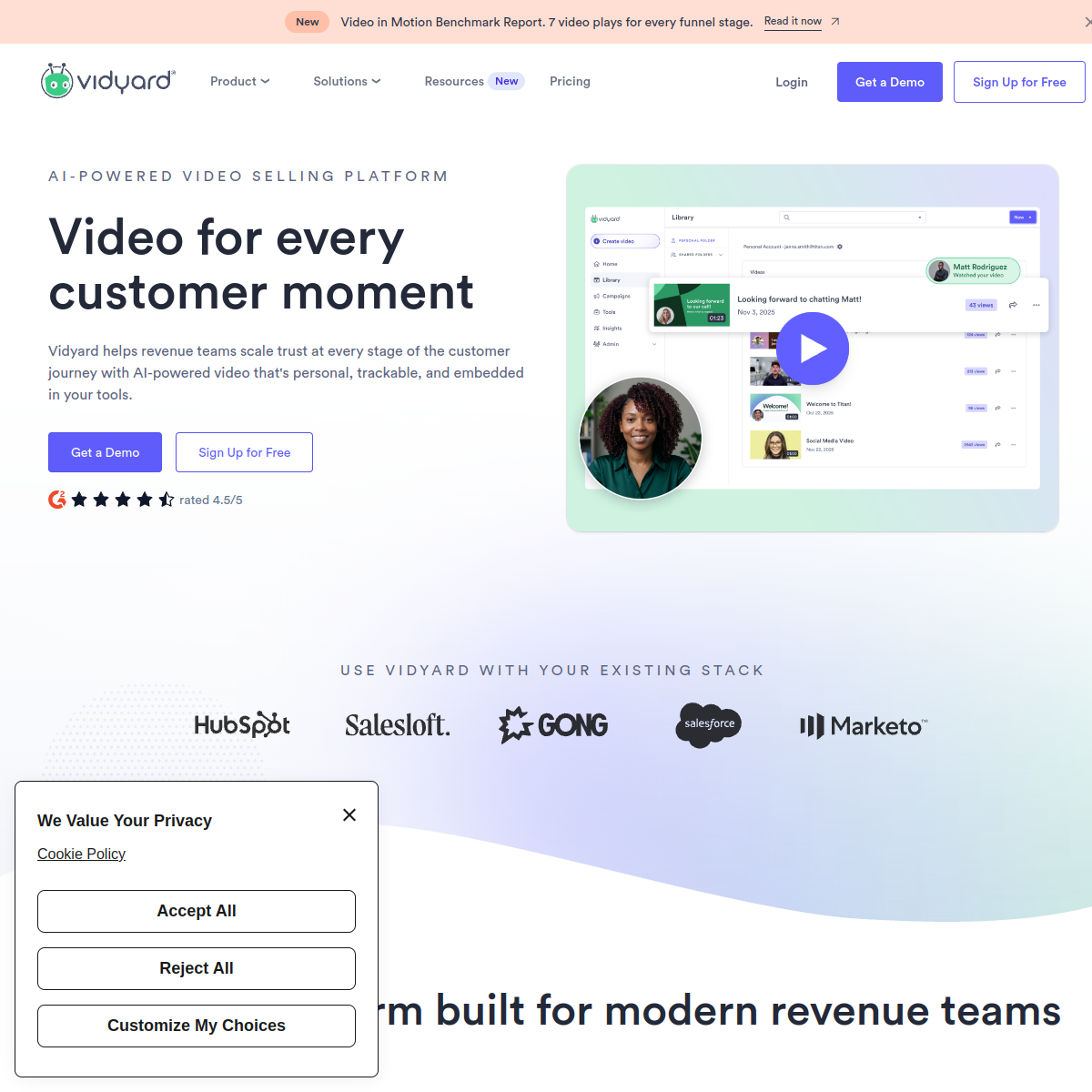
vidyard.com
Screenshot of Vidyard

AI-powered video platform for sales and marketing teams.

Vidyard lets sales and marketing teams record, host, and share personalized video messages, with AI features that can generate a script, create an AI avatar presenter, and track exactly who watched a video and how far.

  • AI script generation for sales and marketing videos
  • AI avatar presenter option for faster video creation
  • Viewer analytics showing who watched and how far
  • Personalized video messaging at scale for outreach
Freemium · Freemium — paid plans from around $15/user/mo0 net votes
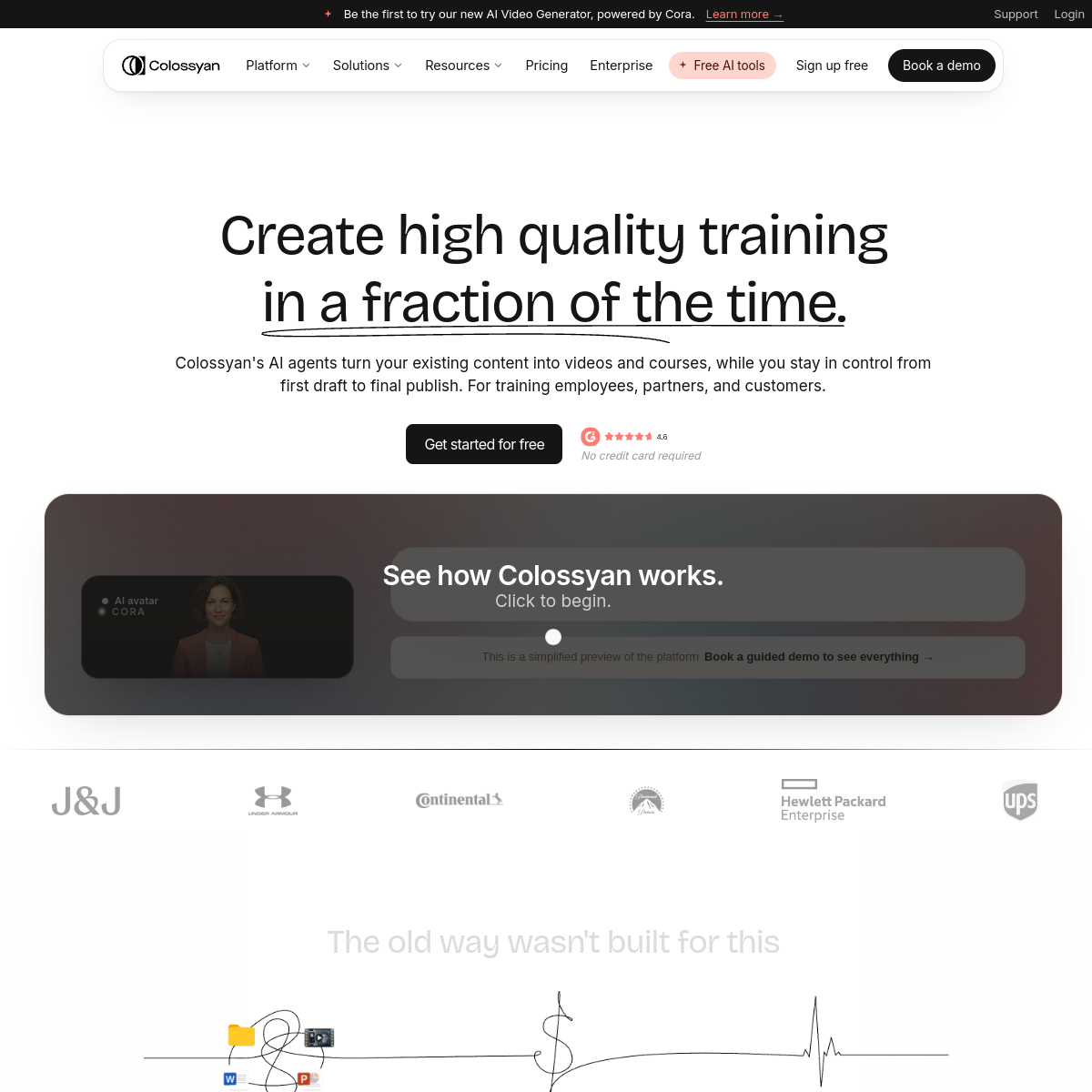
colossyan.com
Screenshot of Colossyan

AI video platform for creating training videos with digital presenters.

Colossyan generates training and corporate videos with AI presenters from a script, focused specifically on workplace learning content like compliance training, onboarding, and internal communications.

  • AI presenters for training and corporate video content
  • Multi-language voiceover and localization
  • Interactive quiz elements for e-learning videos
  • Fast turnaround for compliance and onboarding training
Freemium · Freemium — paid plans from around $27/mo0 net votes
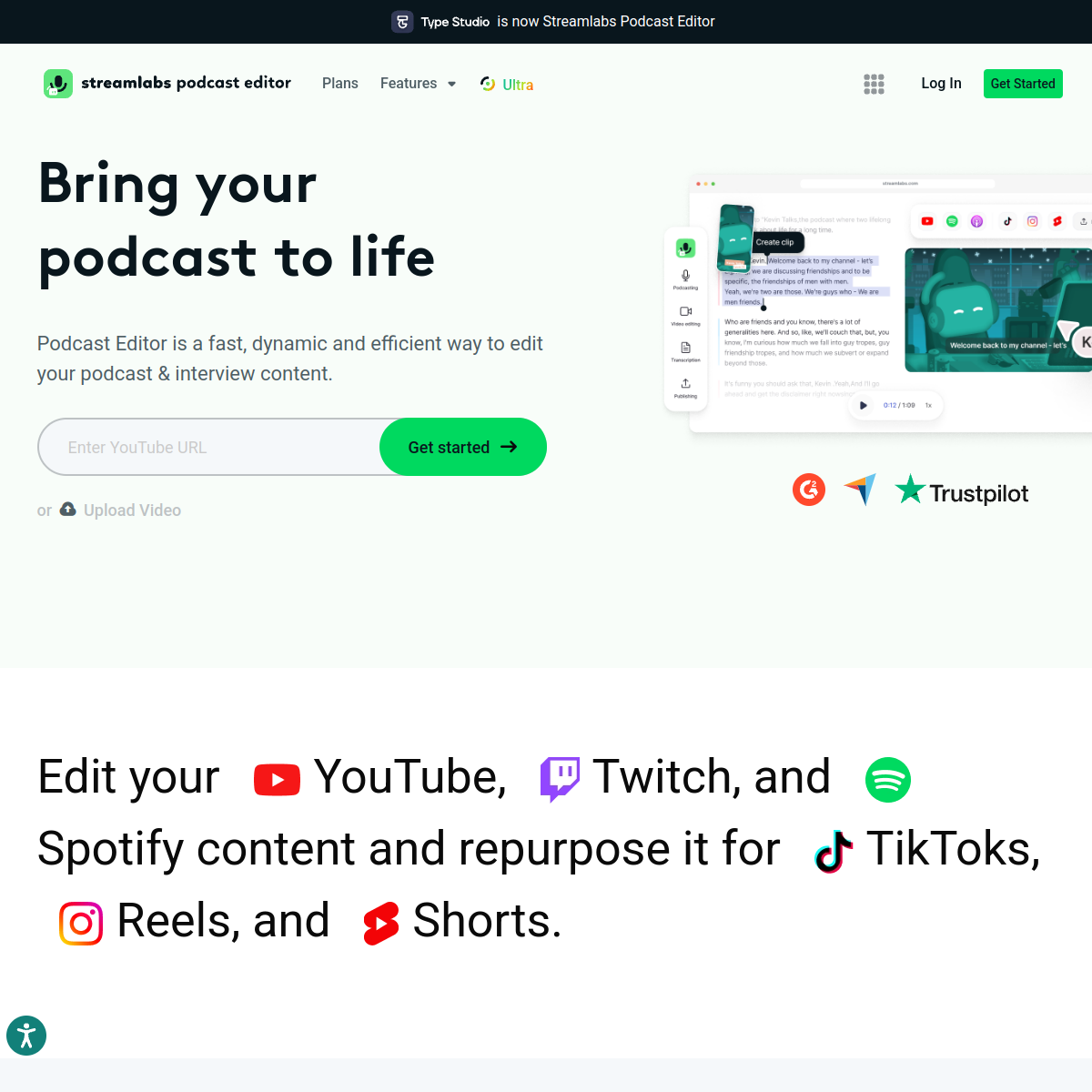
typestudio.co
Screenshot of Type Studio

Text-based online video editor for podcasters and interview-style content.

Type Studio lets creators edit video and audio by editing an automatically generated transcript, remove filler words with one click, and export clips with auto-generated captions — a lighter-weight alternative to full desktop editors.

  • Edit video/audio by editing the auto-generated transcript
  • One-click filler word and silence removal
  • Auto-captioning for exported clips
  • Multi-track support for interview-style recordings
Freemium · Freemium — paid plans from around $15/mo0 net votes
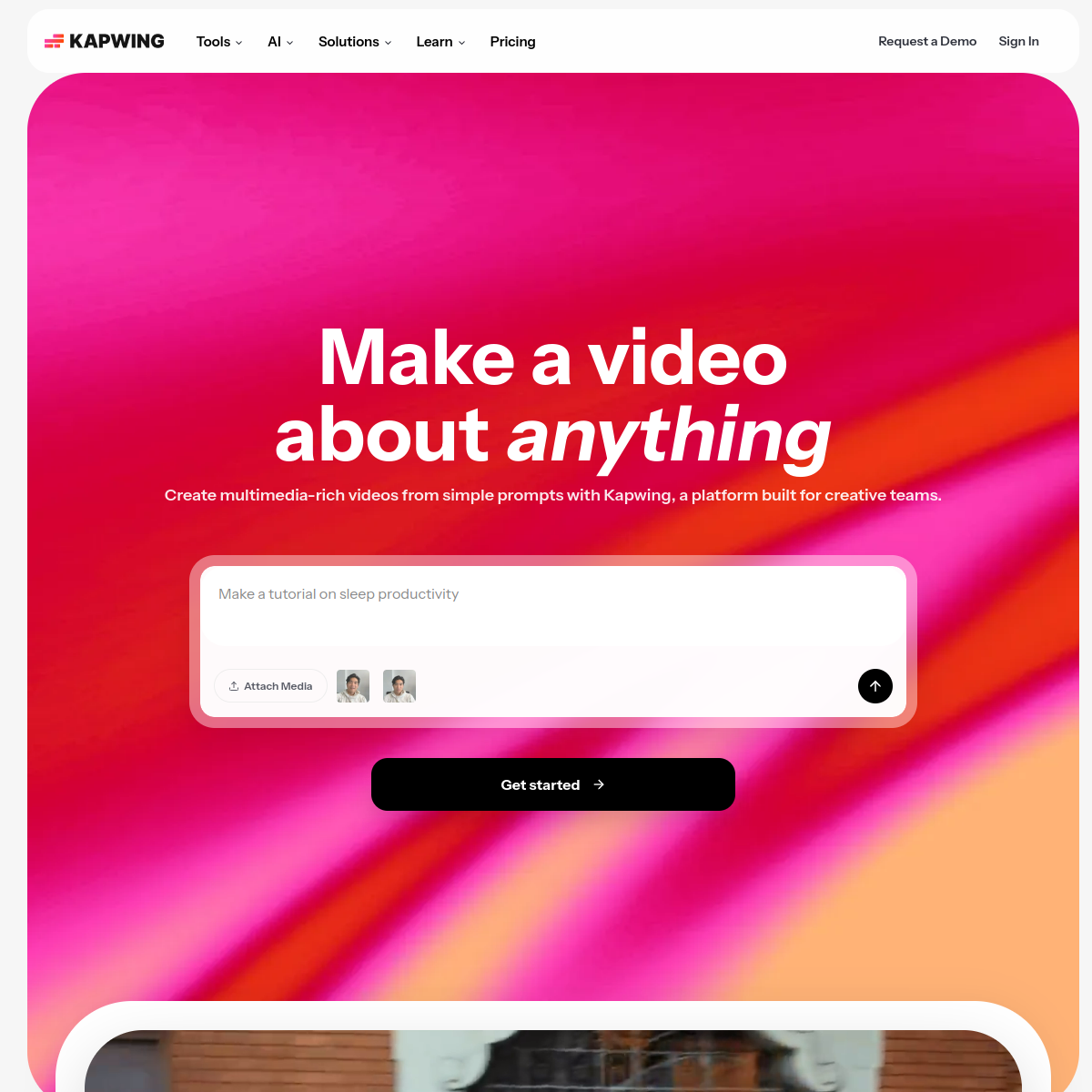
kapwing.com
Screenshot of Kapwing

Browser-based video editor with a large set of AI editing tools.

Kapwing is an online video editor with AI features like auto-subtitling, filler-word removal, background removal, and a "smart cut" tool that trims silence, aimed at making basic video editing accessible without desktop software.

  • Auto-generated subtitles and captions
  • Removes filler words and silences automatically
  • AI background removal for video, not just images
  • Collaborative, browser-based editing (no software install)
Freemium · Freemium — paid plans from around $24/mo0 net votes
riverside.fm
Screenshot of Riverside.fm

Studio-quality remote recording platform with AI editing tools.

Riverside.fm records each participant's audio and video locally in a remote call for higher quality than typical video conferencing, and includes AI editing tools for auto-cutting, transcription, and generating short clips.

  • Local recording per participant for studio-quality remote calls
  • AI-generated short clips from longer recordings
  • Automatic transcription and captioning
  • AI-powered editing tools like filler-word removal
Freemium · Freemium — paid plans from around $19/mo0 net votes
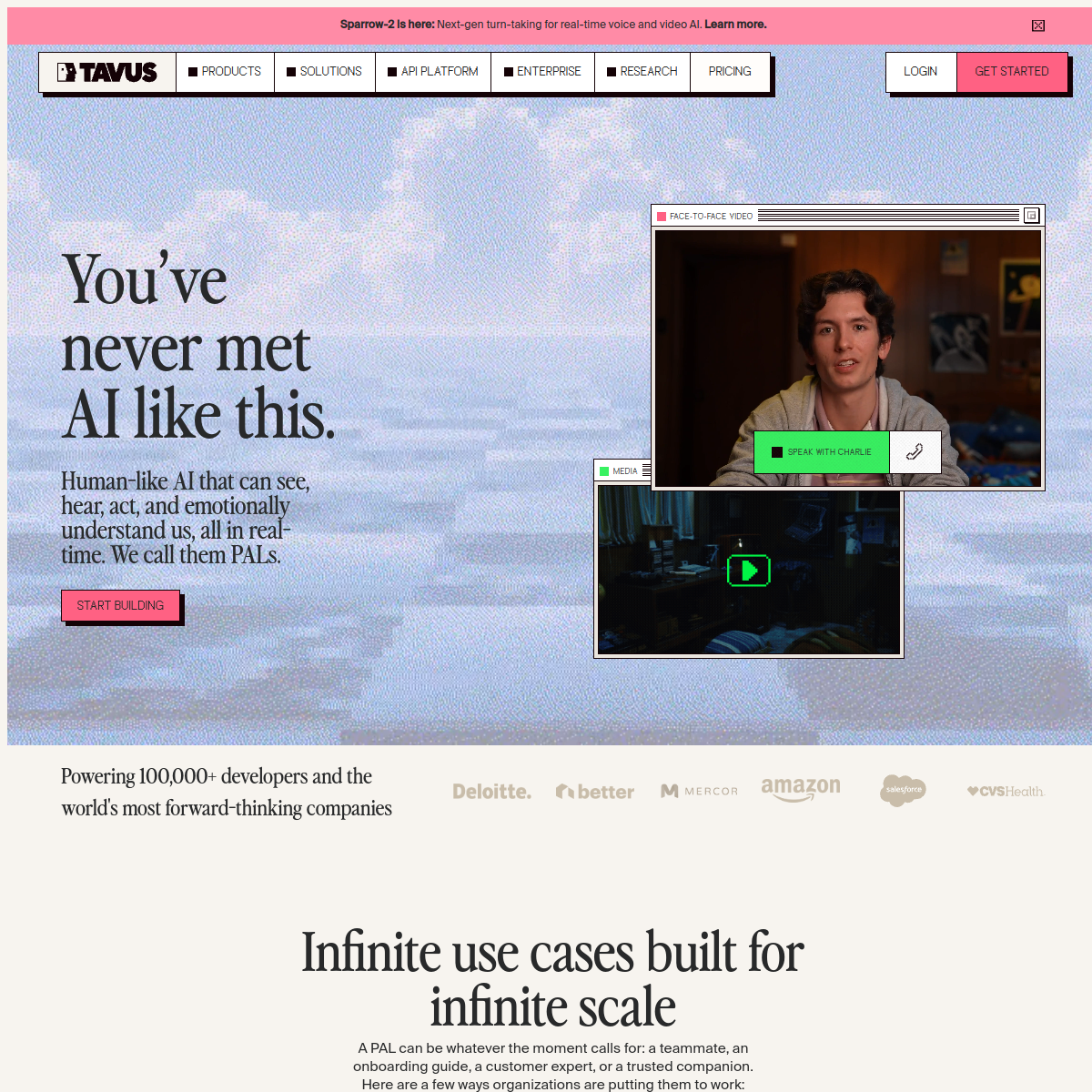
tavus.io
Screenshot of Tavus

AI video personalization platform for generating individualized video messages at scale.

Tavus lets businesses record one video template and generate thousands of personalized variations — inserting each recipient's name or details into the video itself — aimed at sales and marketing outreach that feels individually made.

  • Generates personalized video variations from one template
  • Inserts recipient-specific details directly into the video
  • API access for automating personalized video at scale
  • Analytics on individual video engagement
Paid · Paid plans, pricing available on request0 net votes
deepbrain.io
Screenshot of DeepBrain AI

AI video generation platform for creating avatar-presenter videos from text.

DeepBrain AI generates videos with a realistic AI avatar presenter reading a script, aimed at businesses producing training, news-style, or customer service videos without filming a real person.

  • Realistic AI avatar presenters generated from text scripts
  • Multi-language voiceover and localization
  • Custom avatar creation from a recorded video
  • Used for news, training, and customer service video content
Freemium · Freemium — paid plans from around $29/mo0 net votes
creatify.ai
Screenshot of Creatify

AI tool that generates video ads automatically from a product URL.

Creatify takes a product page URL and automatically generates a short video ad — including an AI avatar presenter, script, and captions — aimed at e-commerce sellers who need ad creative without a video production team.

  • Generates a video ad automatically from a product URL
  • AI avatar presenters included in generated videos
  • Multiple ad variations generated per product
  • No video production or filming required
Freemium · Freemium — paid plans from around $39/mo0 net votes
restream.com
Screenshot of Restream

Multistreaming platform with AI-assisted tools for live video production.

Restream lets creators broadcast a single live stream to multiple platforms (YouTube, Twitch, LinkedIn) at once, with AI-assisted features like automatic captions and stream analytics across all destinations.

  • Broadcasts one live stream to multiple platforms simultaneously
  • AI-generated live captions during a broadcast
  • Combined analytics across all streaming destinations
  • Built-in studio tools for overlays and scene switching
Freemium · Freemium — paid plans from around $19/mo0 net votes
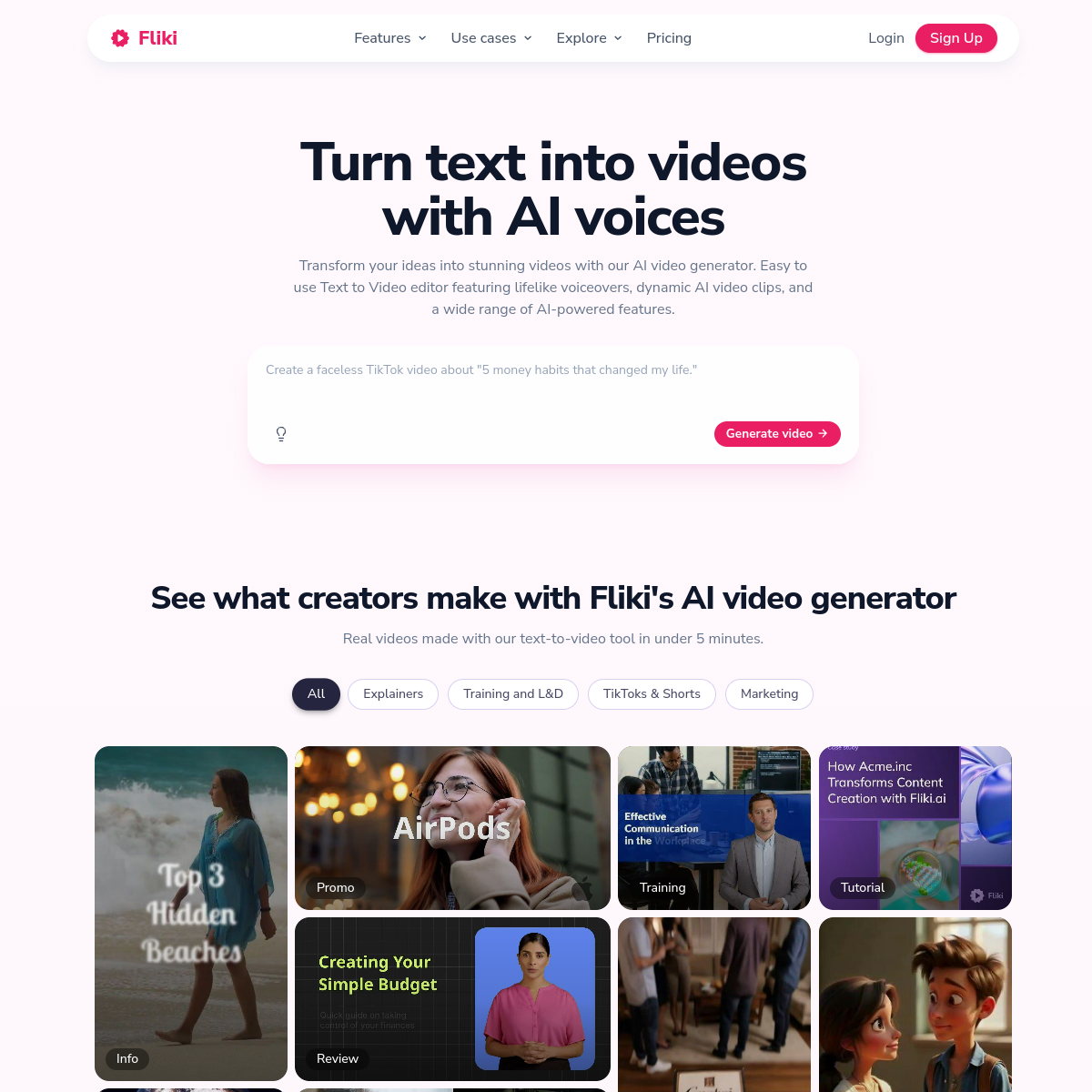
fliki.ai
Screenshot of Fliki

AI text-to-video tool for creating faceless videos with AI voices.

Fliki turns a script or blog post into a narrated video with AI voices and stock footage, aimed at creators who want to produce faceless YouTube or social videos without appearing on camera or recording voiceover themselves.

  • Turns a script or blog post into a narrated video automatically
  • Wide range of natural-sounding AI voices and languages
  • Stock footage and image matching per script section
  • No on-camera appearance or voiceover recording needed
Freemium · Freemium — paid plans from around $28/mo0 net votes
submagic.co
Screenshot of Submagic

AI tool that adds animated, styled captions to short-form video.

Submagic automatically generates animated, eye-catching captions for TikTok, Reels, and Shorts-style videos, adding emoji, sound effects, and highlight styling that plain auto-captions typically don't include.

  • Animated, styled captions instead of plain auto-generated text
  • Automatic emoji and sound effect suggestions
  • B-roll and stock footage suggestions per clip
  • Templates matched to popular short-form video styles
Freemium · Freemium — paid plans from around $18/mo0 net votes